
Common-area requests for HOAs and community managers.
Members report broken lights, gates, pools and landscaping with a photo; managers assign maintenance or vendors, and boards see what got fixed.
HOAs & community managers
Member requests for common areas, handled like a city would
Homeowners associations and property-management companies field the same kind of reports cities do, on a smaller map: a broken light in the parking lot, a gate that won’t close, a pool pump that’s down, overgrown landscaping, a damaged trash enclosure, cars parked in fire lanes. Sentra 311 gives members a simple way to report them and gives the board and the community manager one list with deadlines.
Members report on the report page, the resident app or the AI chat, with a photo and a pin on the community map. Each report gets a number and updates, and members who sign in with a resident account see their history on any device.
Managers, vendors and crews
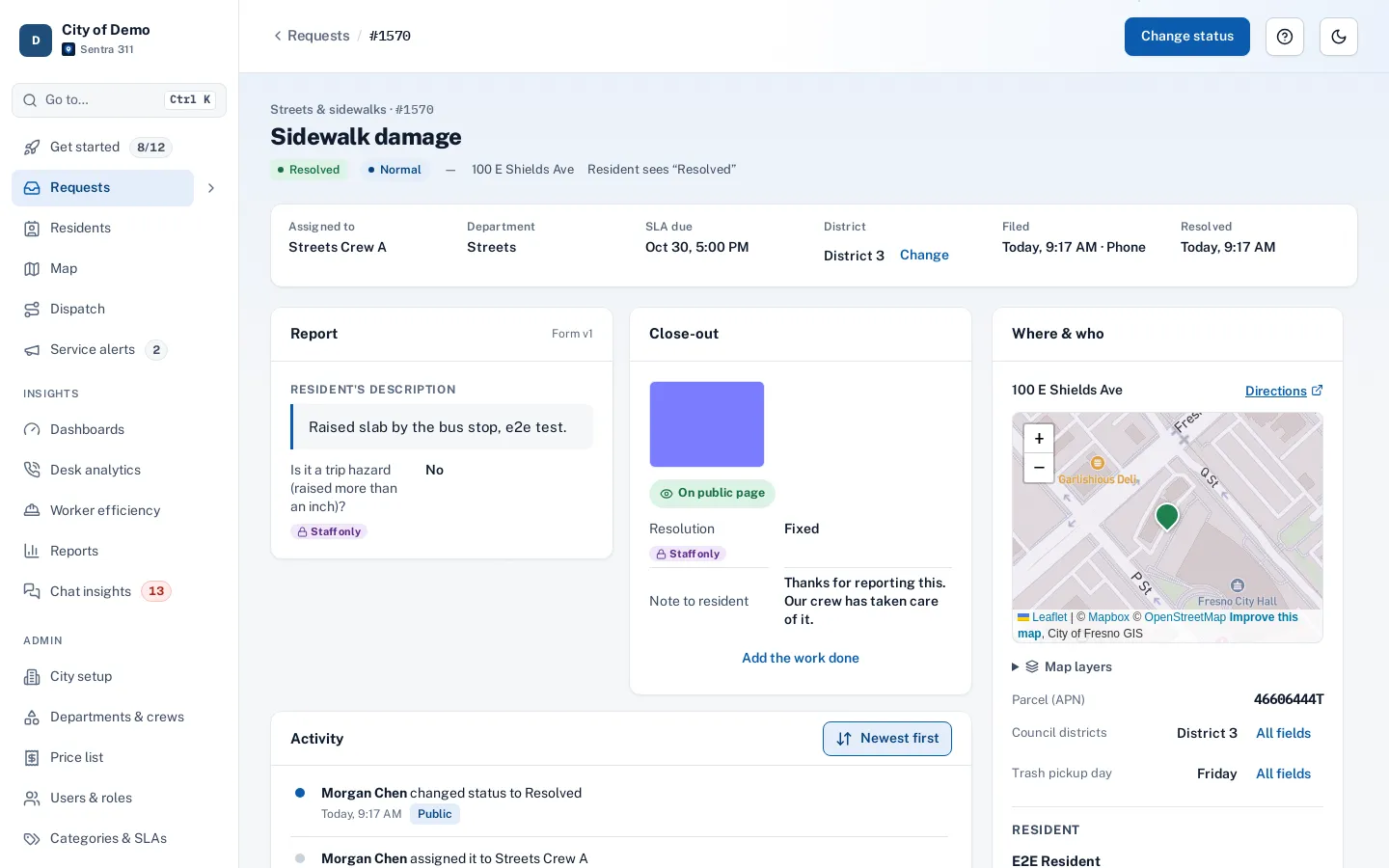
The community manager sees every open report in the request queue, assigns it to maintenance staff or a vendor’s crew, and plans routes for the day across large or multiple communities. Crews use the worker app to close out with after photos. Board members get dashboards and scheduled reports.
Phases, sections or neighborhoods can be set up as districts, so reports and routing work by area the way they do for council districts in a city.
Answers and transparency for members
The knowledge base answers common questions — CC&R basics, pool hours, trash and recycling, guest parking — before they become requests. The public performance page can show members what was fixed and how fast, with before-and-after photos and no personal information.
What’s not included
Sentra 311 is built for cities, so it uses words like “city” and “council district”, and some screens reflect that. It doesn’t include HOA-specific features such as dues and billing, architectural review (ARC) approval workflows or owner voting. For board meetings, agendas and minutes, our sibling product CivicCA serves HOAs and nonprofits.
Pricing
Sentra 311 is priced by city population, which doesn’t fit associations directly. Contact us for pricing for associations.
How setup works
Setup starts with a conversation about how requests reach you today and who handles them.
- Together we build your request types and their questions, routing to departments and crews, deadlines in your business hours and holidays, and your report page’s look.
- Your staff are trained over Teams, and the one-time setup fee covers all of it.
- Your city website gets a “Report a problem” button with one script tag, and your history can be imported with the importer, with an undo button if anything needs another pass.
After launch, your own staff change request types, forms, routing and deadlines from the admin portal. The built-in help center has guides for city staff and field workers, and Ask Sentra 311 answers how-to questions inside the product.
Accessibility, security and privacy
Public pages and apps are built to WCAG 2.1 AA and checked with automated accessibility tests on every release, an important consideration as the ADA Title II web rule deadlines approach.
- Each city’s data is kept separate, permissions are enforced by the server, and every change is recorded in an audit log.
- Usage analytics are cookie-free, residents’ contact details are shown only to staff who need them, and AI features never receive residents’ personal details.
- See security and accessibility.
How it works
- Member
Members report
From the report page or app: a broken gate, a pool light, a sprinkler leak.
- Manager
Manager assigns
The manager assigns it to maintenance staff or a vendor’s crew, with a deadline.
- Staff
Fixed with proof
Closed with an after photo the member can see.
- Everyone
Answers save calls
Help articles cover pool hours, trash days and guest parking.
Why it fits
Members report in a minute
Report page, app or chat, with a photo and a pin.
One list for the manager
Deadlines, assignment and updates in one queue.
Vendors and crews in the field
Routes and close-out with after photos.
Transparency for members
A public page of fixes, with no personal data.
Explore the features
Report page & widget
A hosted report page and one script tag for your city site
Learn moreQueue & search
One list for every request, searchable by voice
Learn moreDispatch & routes
Plan jobs for one or more workers, routed by drive time
Learn moreKnowledge base
Answers before anyone files a request
Learn morePerformance page
Show residents the work you’ve done
Learn moreResident accounts
Optional sign-in with an email code
Learn moreQuestions cities ask
Can members report violations?
Yes, as a request type with its own questions and photos. Sentra 311 doesn’t manage fines or hearings.
Can several communities share one account?
Each community can be its own area, or its own site; contact us to talk through a management company’s portfolio.
Is it accessible?
Yes. Public pages and apps are built to WCAG 2.1 AA.