
A second pair of eyes on every request.
One click summarizes a long request and says what should happen next. Similar past requests show how the same problem was fixed nearby, and reply drafts arrive in the resident’s language.
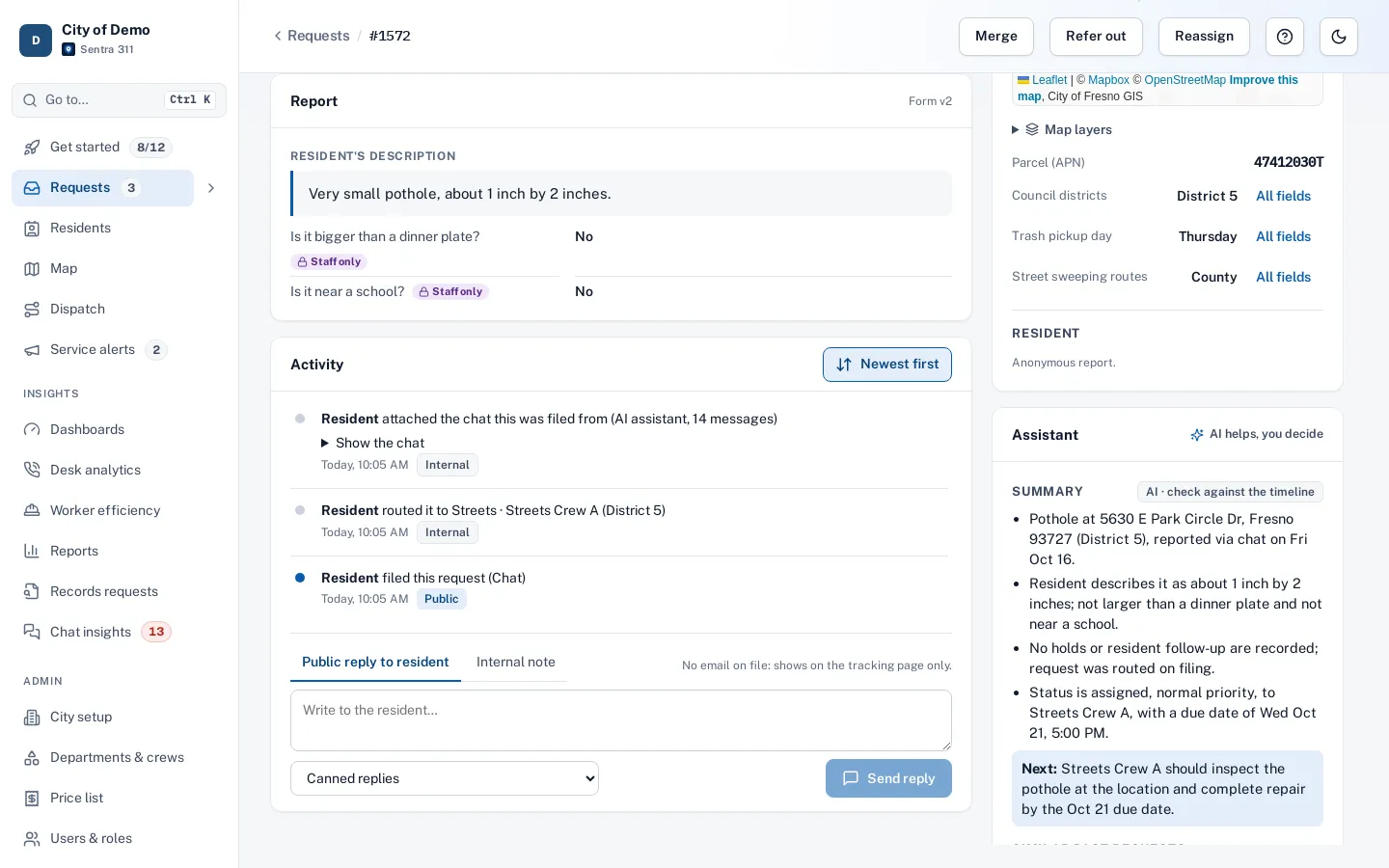
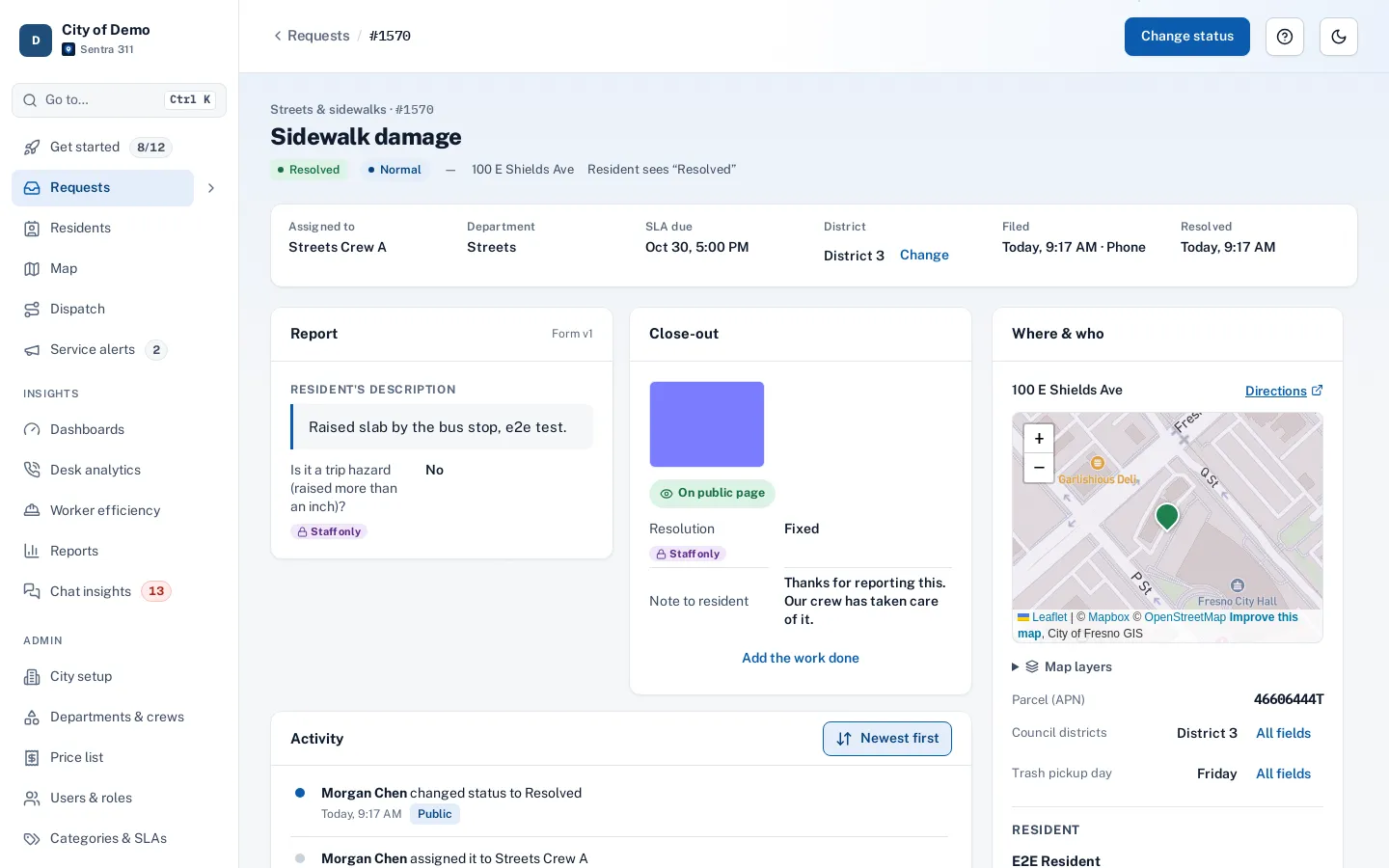
What it does
On every request page, Summarize turns the report, the timeline and the crew’s notes into a few plain lines and the next step. The summary is saved and shown to everyone until the request changes, so opening a page never costs anything.
Similar past requests lists closed requests of the same type nearby, how each one ended and how long it took. Draft a reply writes a status update, a request for more information or a closing note in the resident’s language, with an English version for staff.
Long timelines take minutes to read, the same questions get answered from scratch, and replies in Spanish wait for the one bilingual person on staff.
How it works
- Staff
Summarize
Three to five plain lines on the request and its history, and the next step.
- Staff
Look back
Closed requests of the same type nearby, how each one ended and how long it took.
- Staff
Draft a reply
A status update, a request for more information or a closing note, in the resident’s language with an English version alongside.
A person always sends it
Key features
One-click summary
The request and its history in three to five lines, plus what should happen next.
Similar past requests
From your own records: same type, nearby, the last two years, and how each was fixed.
Replies in their language
Spanish drafts with the English version alongside, ready to edit.
Private details stay out
Resident names, emails and phone numbers are never sent to the AI.
People decide
Drafts only fill the reply box.
Off switch per city
Admins can turn the assistant off for the whole city.
Accessibility, security and privacy
AI is included for every city, not an add-on. Summaries for council members use only the public timeline, never internal notes.
Getting started
Nothing to set up: it appears on every request page. Admins can switch it off in City setup.
Who uses it
Call-takers
A summary before calling a resident back.
Dispatchers
See how similar problems were fixed nearby before assigning.
Department heads
Catch up on long, complicated requests quickly.
Council members
A summary built from the public history only.
Questions cities ask
Does the assistant send anything by itself?
No. It writes a draft into the reply box. A person reads, edits and sends it.
Can our city turn it off?
Yes. An admin switches it off in City setup. Similar past requests still show, because they come from your records.
Does it cost extra?
No. AI features are included in the one plan for every city.