
Know where crews are, with their consent.
Workers opt in to share their location while working. Dispatchers see them on the dispatch map with their next stop and ETA.
What it does
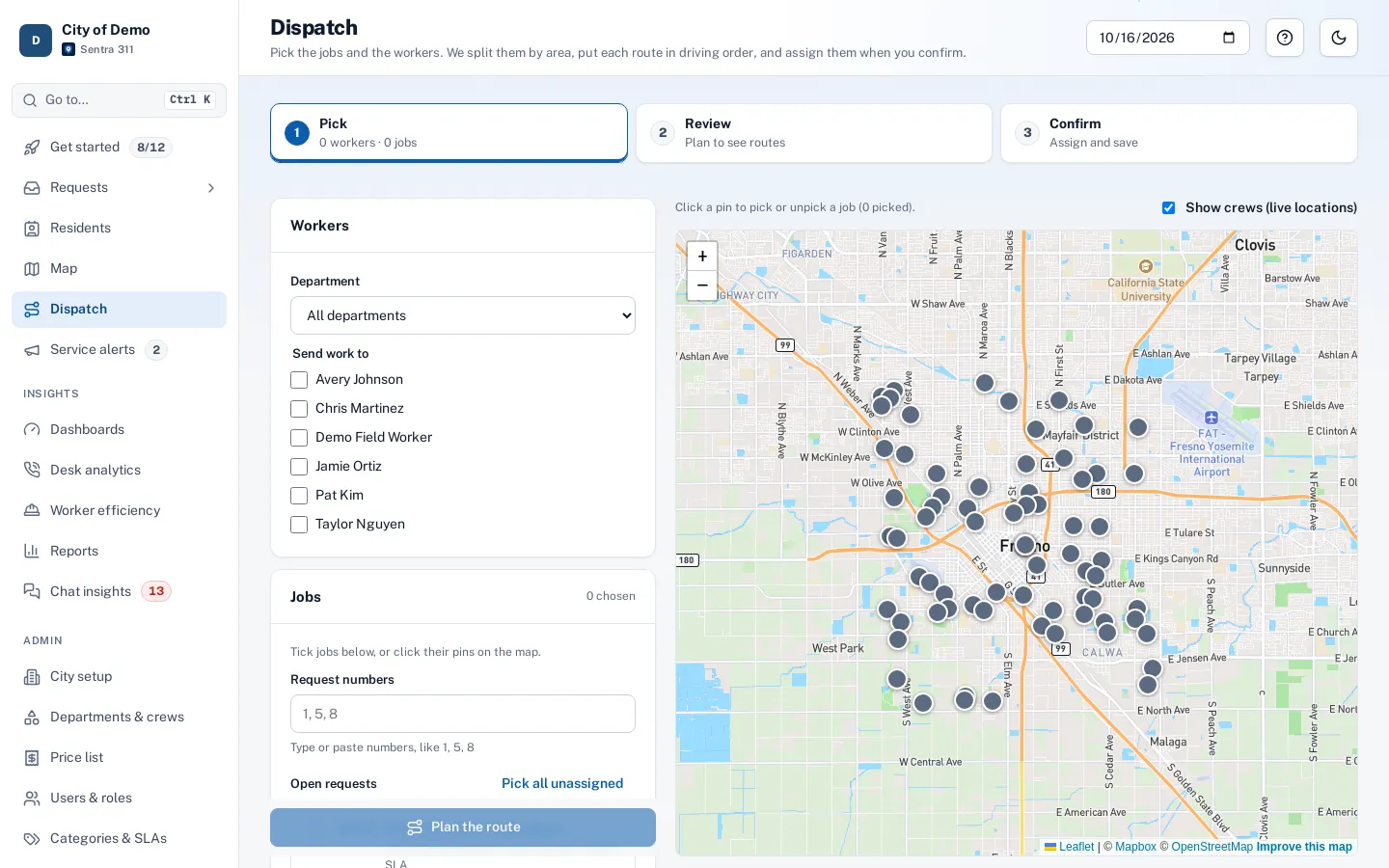
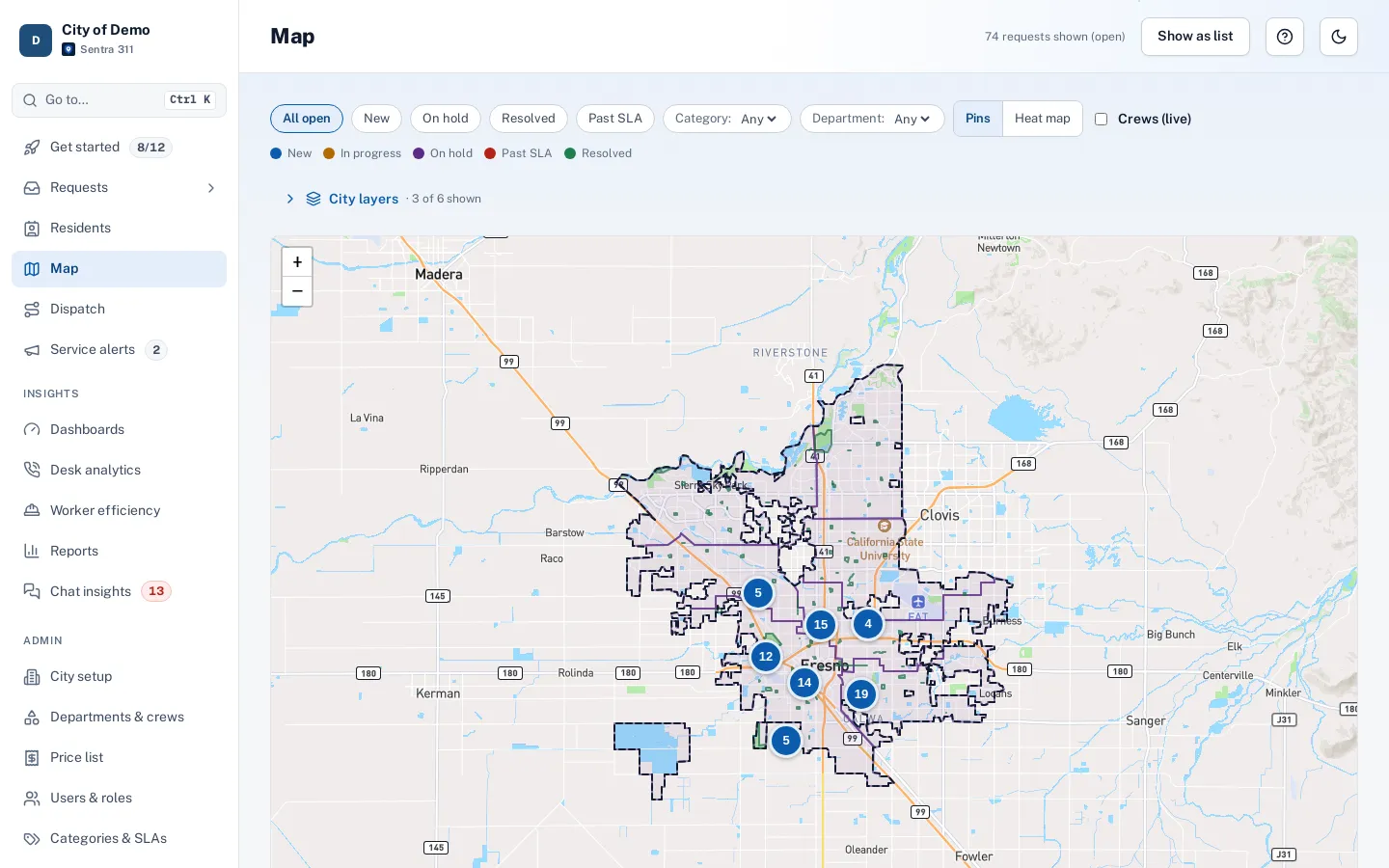
With live crew locations turned on, dispatchers see field workers who are sharing their location as colored dots on the dispatch and map screens, along with their status, current job, next stop and an ETA along real streets. A “Crews in the field” list shows the same information for anyone who prefers a list to a map.
Sharing is a choice. The city turns the feature on in Admin, and each worker turns on “Share my location with dispatch” in the worker app after reading who sees it, when it runs and how long it’s kept. A bar stays on screen while sharing, with a Stop button.
Dispatchers call around to find the nearest crew.
How it works
Workers opt in
Off by default; a visible indicator while sharing.
Dispatch sees crews
Dots on the map with status, next stop and ETA.
Data expires
Trails deleted on the city’s schedule.
Key features
Off by default, opt-in per worker
City switch plus a worker switch, with a first-time explanation.
Dots, ETAs and trails
Fresh dots pulse, stale ones grey out; “Show today’s trail” draws the day’s path.
Stops on its own
At Stop, sign-out, after a set number of hours, at an end-of-shift time, or when the app goes quiet.
Short retention
Trails deleted after seven days by default; viewing a trail is written to the audit log.
Limited audience
Admins, department heads and dispatchers; non-admins see only their own departments.
A day with it
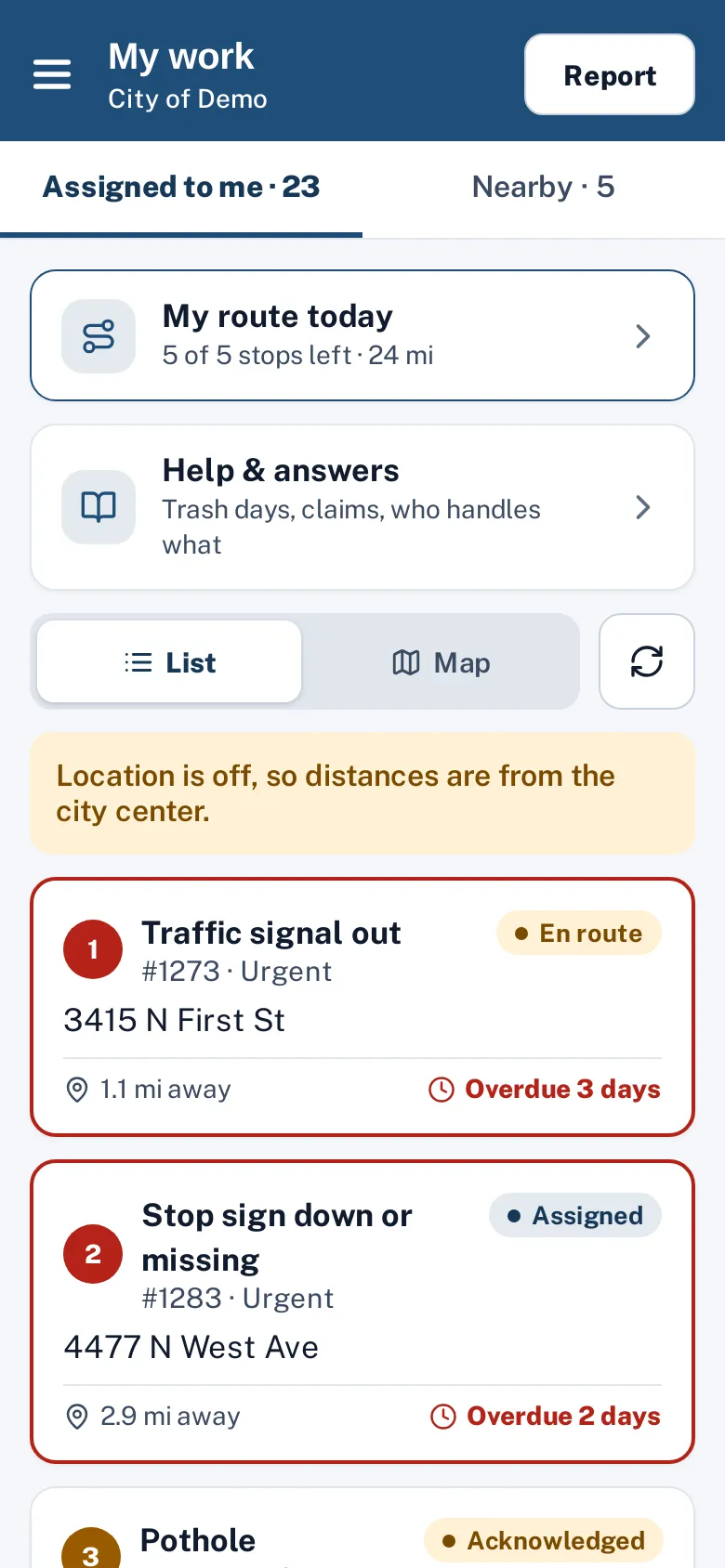
In the worker app menu, “Share my location with dispatch” is off by default.
- The first time a worker turns it on, a sheet explains who sees it (dispatchers, supervisors and admins for the worker’s departments, never residents or the public), when it runs (only while the switch is on and the app is open) and how long it’s kept.
- While sharing, a green bar shows on every screen with when the last location was sent and a Stop button.
- The app sends a location at most every 30 seconds or every 50 meters moved, pauses when the app is in the background, and stops on its own after a set number of hours (ten by default), at an optional end-of-shift time, at sign-out, or 15 minutes after the app goes quiet.
In practice
- A water leak call. The dispatcher sees which crew is closest and assigns them.
- End of shift. Sharing stops automatically at the end-of-shift time.
- Privacy check. A supervisor’s trail view shows in the audit log.
What dispatchers see
On the dispatch and map pages, a “Crews” layer shows each sharing worker as a dot in their route color with their initials. A popover shows their status (en route, on site, available), their current job, their next stop with an ETA along real streets, and when they were last seen.
Retention and audit
Each city sets how long trails are kept (seven days by default) and how long a last-known location is shown (24 hours). A scheduled job deletes older data every day.
Accessibility, security and privacy
Locations never appear on public pages. Sharing works while the app is open; background sharing will need the app-store versions of the app, which are on our roadmap.
Who uses it
Dispatchers
Send the closest crew.
Crews
Fewer “where are you?” calls.
Supervisors
See the day’s progress at a glance.
Questions cities ask
Can the city turn sharing on for a worker?
No. The worker must turn it on themselves.
How long are locations kept?
The last known spot for 24 hours and trails for seven days by default; cities can shorten this.
Is it included for every city?
Yes, as an opt-in feature the city turns on.
Does it drain the phone battery?
It sends at most every 30 seconds or 50 meters and pauses in the background, which keeps battery use modest.