
Set it up the way your city works.
Request types with icons and SLAs in business time, forms built by drag and drop, routing by type and district, escalations, departments, crews, users and roles.
What it does
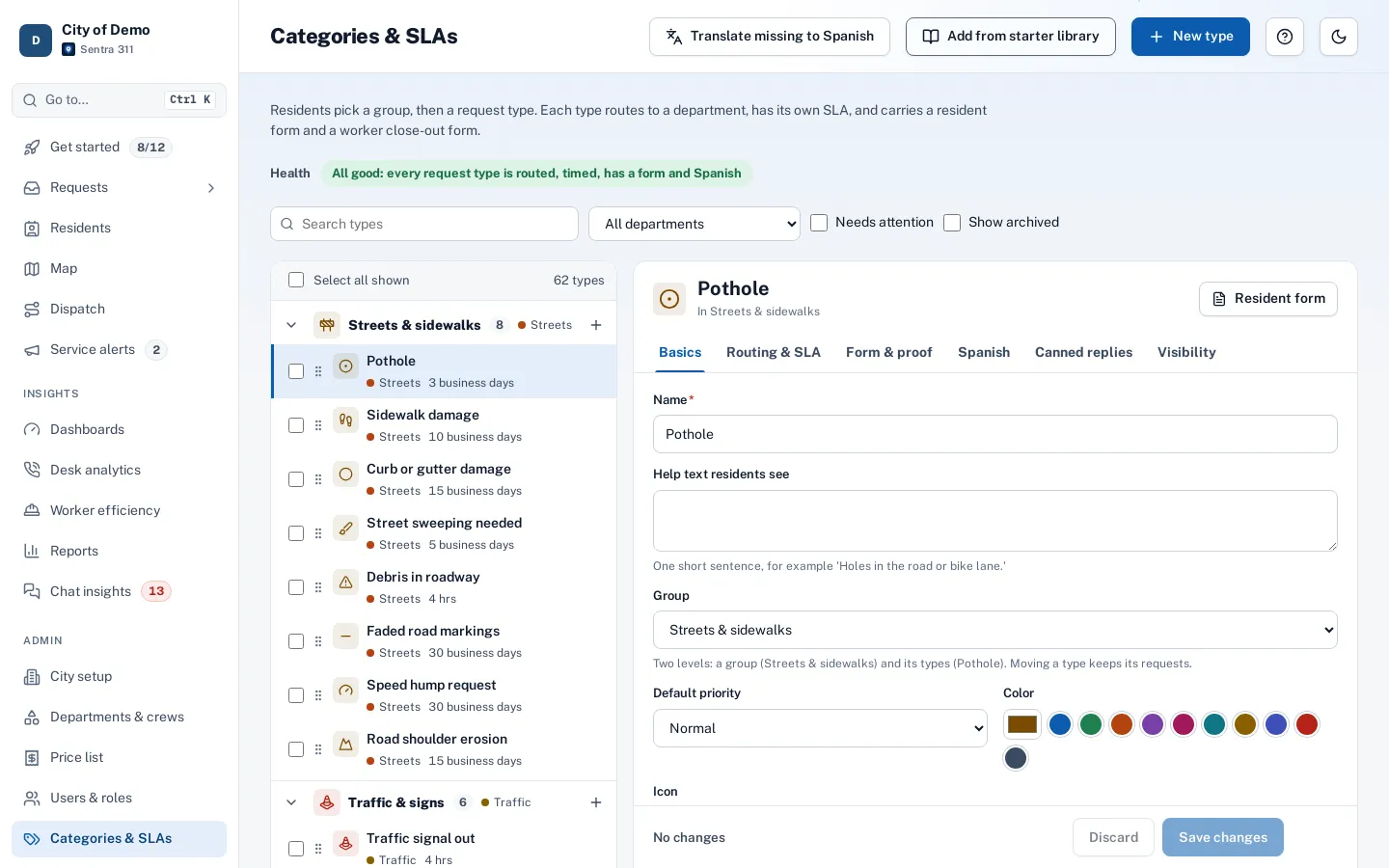
Every city handles requests differently. Sentra 311’s admin portal lets your staff set up the rules without a developer: request types grouped the way residents think about them, each with an icon and color; SLAs with an acknowledgement deadline and a resolution deadline; a resident form and a close-out form per type; and routing rules that send each type — or each type in each council district — to the right department and crew.
Escalation rules notify a person or department when a request passes its deadline. Business hours and holidays drive the SLA clock, users get roles (city admin, department head, dispatcher, call-taker, field worker), and departments can be marked restricted so their requests stay hidden from other staff.
Most 311 systems need a vendor project for every change.
How it works
Start from the library
Common request types with sensible defaults.
Shape the forms
Questions for residents and close-out questions for crews.
Route and escalate
By type and district, with escalation rules when SLAs slip.
Key features
Request types and groups
Icons, colors, descriptions, emergency types and Spanish names.
SLAs in business time
Deadlines in hours or business days; business-day deadlines fall at the end of the day.
Form builder
Resident and close-out forms with yes/no, choice, text, number and photo questions, versioned when published.
Routing and escalations
By type and district, with escalation notices when deadlines pass.
Roles and permissions
Five roles, enforced by the server; restricted departments for sensitive work.
Proof and notifications
Close-out proof rules and editable email templates in English and Spanish.
A day with it
Request types live in groups (Streets & sidewalks, Trash & recycling, Parks…) with an icon, a color and a short description residents see.
- Each type has a department, an optional default crew, a priority, an acknowledgement deadline in business hours and a resolution deadline in hours or business days, and a flag for emergency types that show 911 guidance.
- Resident forms and close-out forms are built in the form builder with yes/no, single and multiple choice, text, number and photo questions, help text and required fields; publishing a form creates a new version.
- Canned responses per type give staff ready replies for common situations.
- Types can be archived without losing their history.
In practice
- A new seasonal type. Staff add “Leaf pickup” for the fall with its own questions and deadline.
- Routing by district. Streetlights in Districts 1–3 go to one crew and the rest to another.
- Escalation. Requests past their SLA notify the department supervisor.
Routing, escalations and people
Routing rules send a type to a department and crew, optionally by council district when district routing is on; the most specific rule wins. Escalation rules notify a person or a department’s supervisors when requests pass their SLA.
Accessibility, security and privacy
Every change in admin is written to the audit log, and updates use versioning so two admins can’t overwrite each other’s changes unknowingly.
Getting started
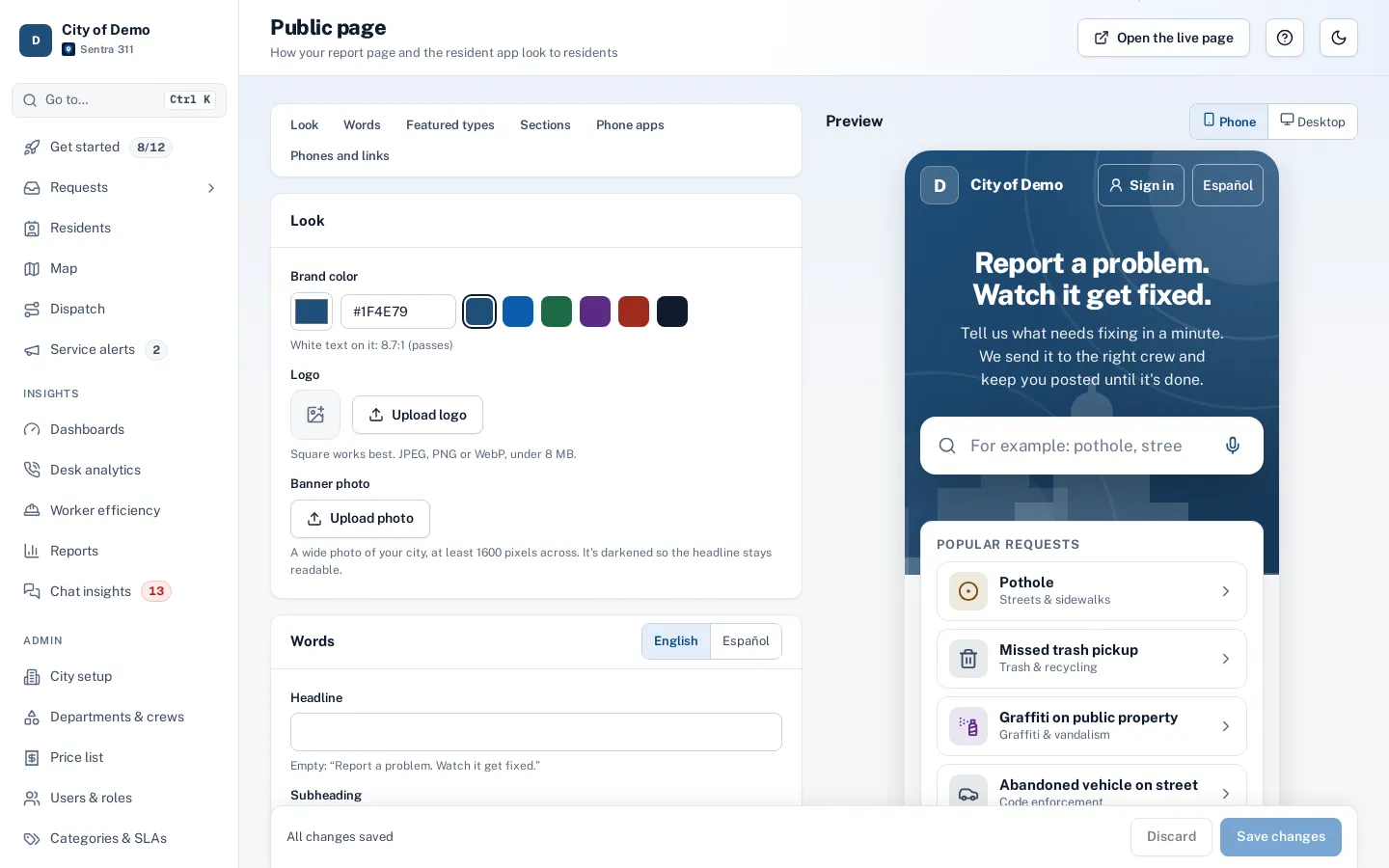
The one-time setup includes building your request types, routing and branding with you, and training staff over Teams. Many cities start from the built-in library of common request types and adjust from there.
Who uses it
City admins
Own the setup.
Department heads
Adjust their types and crews.
IT staff
No servers or code to maintain.
Questions cities ask
Can we change forms after go-live?
Yes. Publishing a new version applies to new requests; old requests keep the questions they were filed with.
How many request types can we have?
As many as you need; most cities use a few dozen in eight to twelve groups.
Is there an audit log?
Yes. Admin › Audit log records configuration changes and sensitive actions with who did them and when.
Can we start from a template?
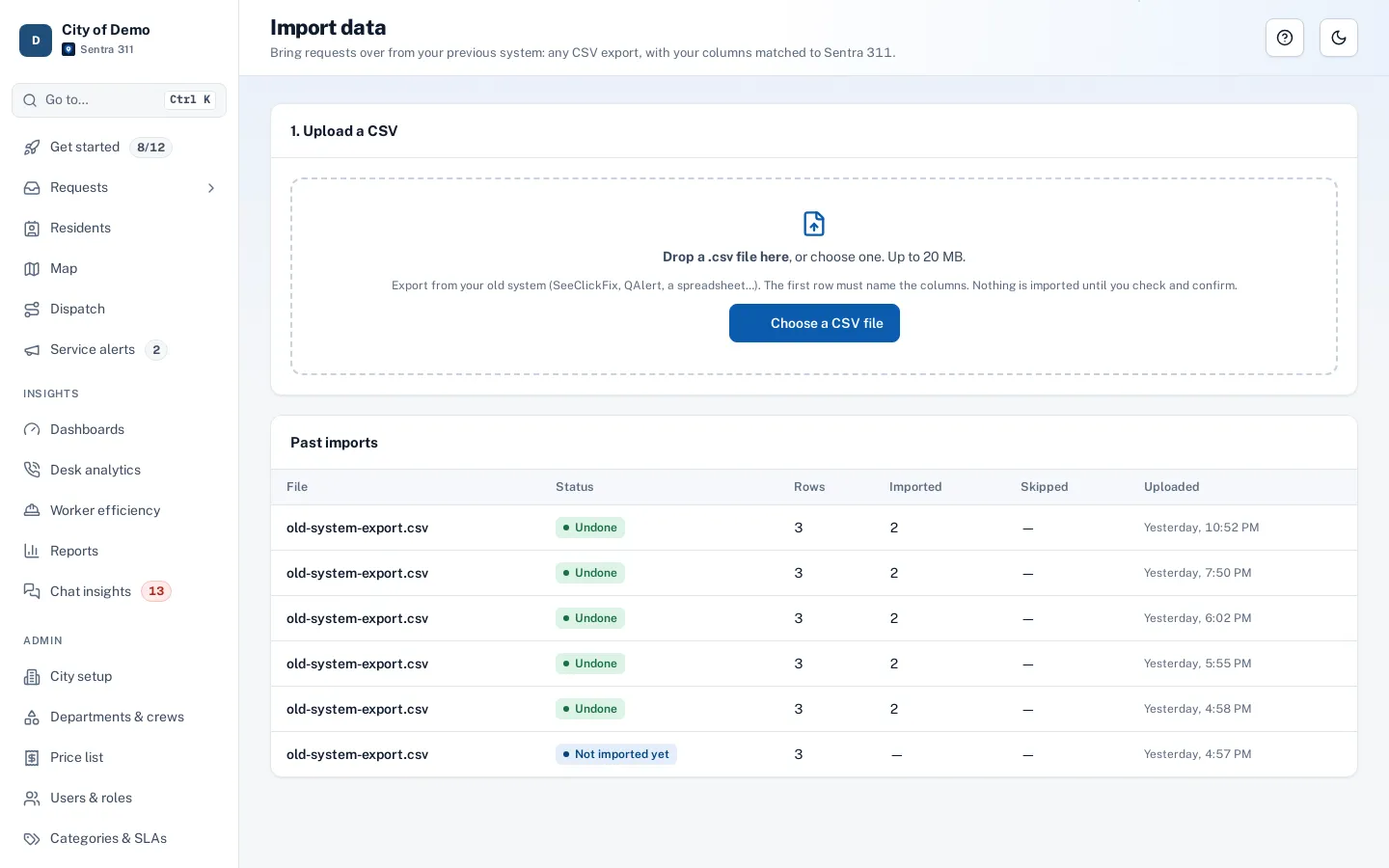
Yes. A starter library of common request types and forms gets you most of the way; your staff adjust it.
Can we set different hours for different departments?
Business hours and holidays are set for the city and apply to every deadline.