
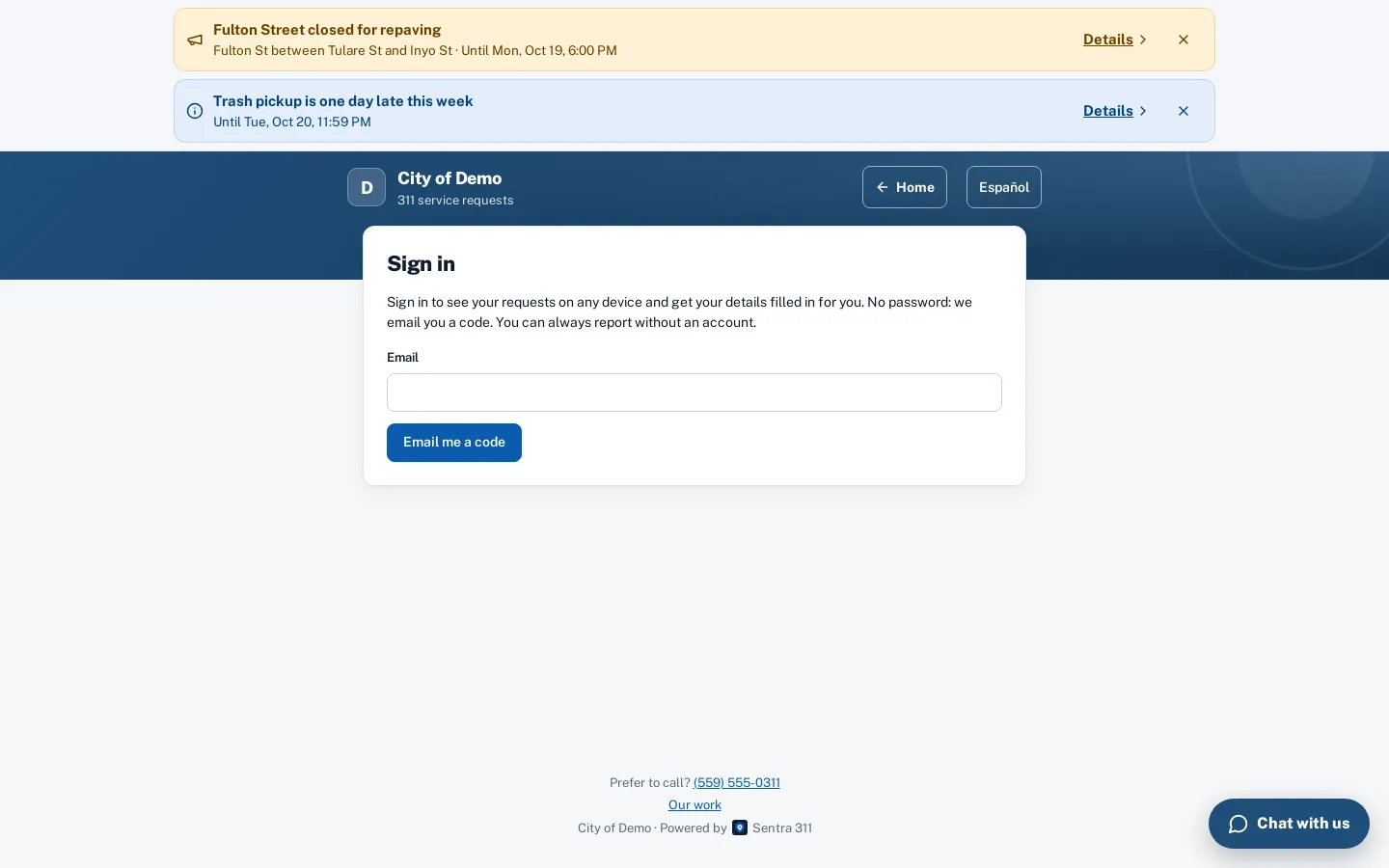
Sign in without a password.
Residents who want history across devices sign in with a 6-digit code sent to their email. Anonymous reporting still works.
What it does
Sentra 311 never requires residents to create an account to report a problem. For residents who report often, an optional account keeps their requests, followed reports and saved places together on any device. Signing in takes an email address and a six-digit code or a one-tap link — there are no passwords to forget or reset.
Accounts work on the web report page and in the resident app. A signed-in resident’s report form is pre-filled with their name and email, their saved places appear as one-tap locations, and “My requests” shows everything they filed or followed with “Me too”.
Residents switch phones and browsers. Without an account, their requests are stuck on one device.
How it works
Enter an email
A code and a one-tap link arrive in seconds.
See every request
Filed or followed, on any device.
Report faster
Name and email filled in; saved places as one-tap locations.
Key features
Email code or link
A six-digit code and a link that work once, for 15 minutes.
My requests everywhere
Requests filed or followed appear on any device after sign-in, merged with the requests saved on that device.
Saved places
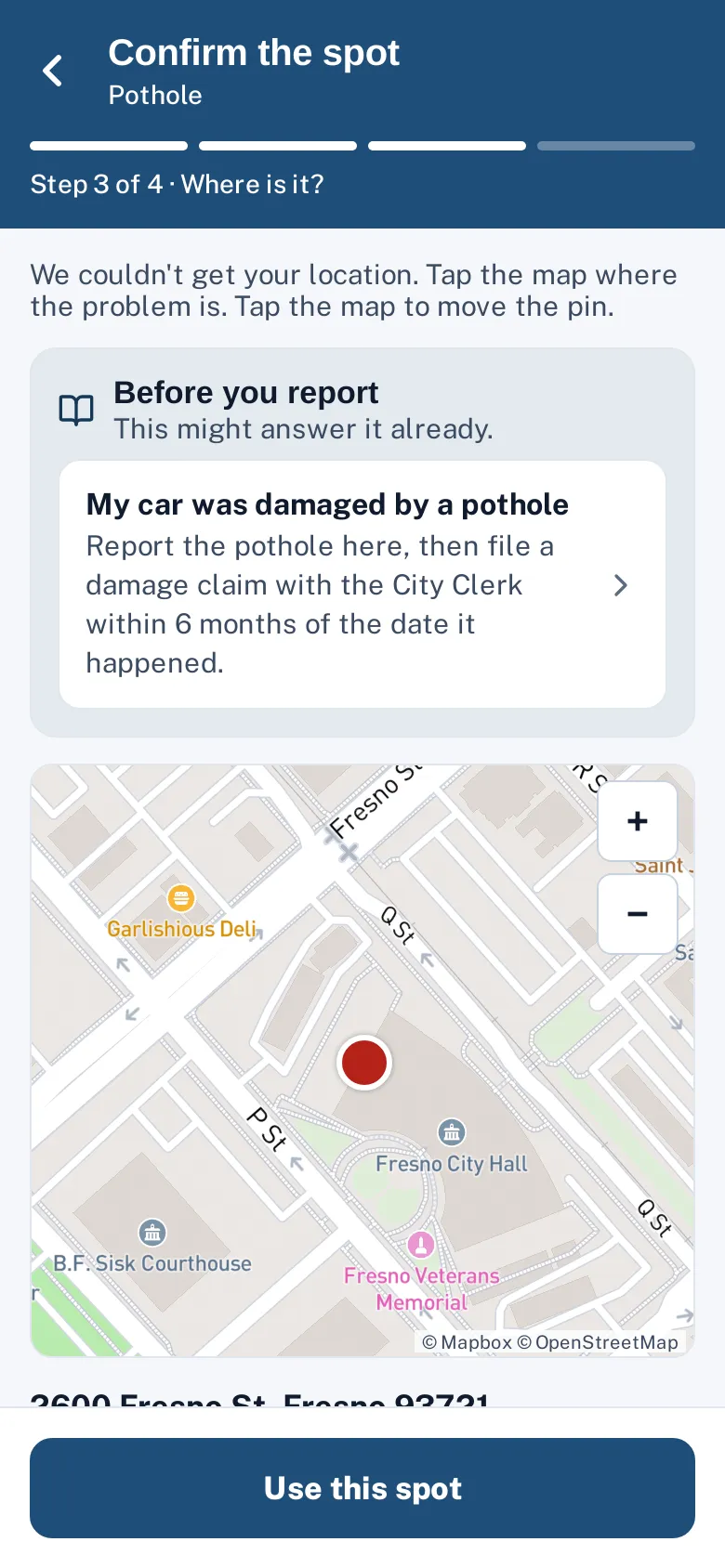
Home, work or a favorite corner as one-tap locations in the report flow (up to ten).
Profile and preferences
Name, phone, preferred language and whether to receive email updates.
Anonymous still works
Residents who don’t sign in can report exactly as before.
Sign out anytime
Sessions last 90 days from last use and can be signed out from the account page.
A day with it
A resident enters their email address and receives an email with a six-digit code and a one-tap sign-in link.
- The code and link work once, for 15 minutes; after five wrong attempts the code is cancelled, and requesting a new code cancels the previous one.
- Requests for codes are limited per email address and per network, and the screen shows the same message whether or not the email has an account, so the page can’t be used to check who lives in a city.
- Once signed in, the resident’s session lasts 90 days from their last use and works only for that city.
- Signing out on one device ends that session.
- On the web, sign-in links carry their token after the “#” in the address, so servers never log it, and the page removes it from the address bar.
In practice
- The resident who reports often. A neighborhood volunteer files a few reports a week and keeps them all in “My requests”.
- Saved places. A resident saves their street corner and picks it with one tap the next time.
- Switching devices. A report filed on a phone shows up on a home computer after signing in.
What staff see
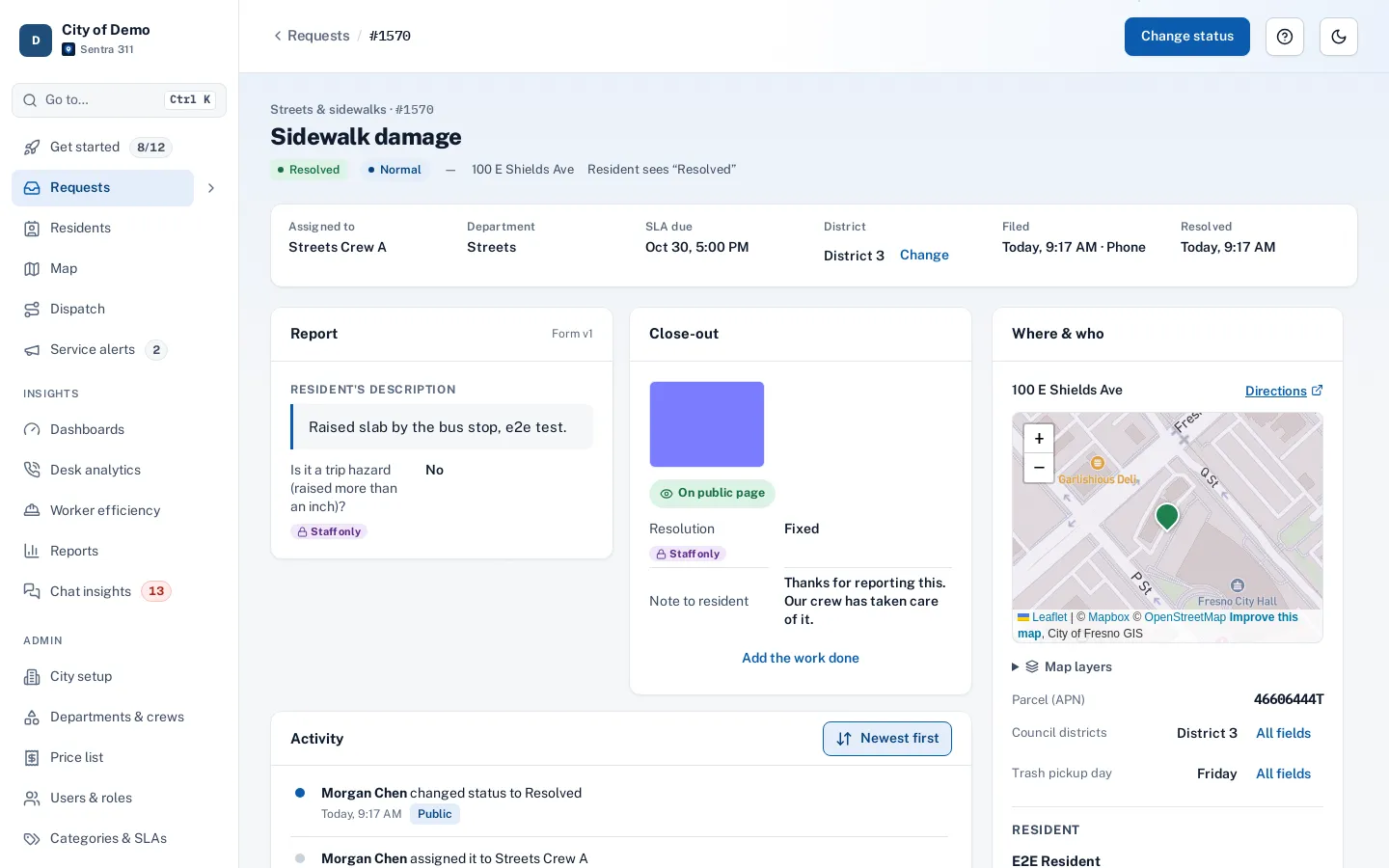
Requests from signed-in residents are linked to a single resident record, so staff see the resident’s full history — requests filed and requests followed — on the resident’s page in the staff portal. Requests a resident files while signed in follow their email-update preference.
Saved places and preferences
Signed-in residents can save up to ten places — home, work, a corner they walk past every day — and pick one with a tap on the location step. In the app, “save where I am now” adds the current spot.
Accessibility, security and privacy
Codes, links and sessions are stored only as one-way hashes. The sign-in screen gives the same response for every email, so nobody can probe which addresses have accounts.
Who uses it
Frequent reporters
Keep a history of every request and follow them to the fix.
Residents with several devices
Start a report on a phone, check it later on a computer.
Staff
Requests from signed-in residents link to one resident record, so the history is complete.
Questions cities ask
Do residents have to sign in?
No. It’s optional.
Can residents delete their account?
Self-service account deletion is on our roadmap; today the city can remove a resident’s contact details on request.
Does signing in change what the city sees?
Staff see the same request details. A signed-in resident’s requests are linked to one resident record.
Is there a password?
No. Residents sign in with a one-time code or link sent to their email.
Can a resident use one account for two cities?
Each city has its own accounts; a resident who reports in two cities signs in to each.
Do staff need to approve accounts?
No. Residents create their own accounts by signing in with their email.