Every screen, in a few minutes.
Real screens from the demo city: what residents see, what staff work in, and what crews carry in their pocket.
How it works
- Resident
A resident reports
On the report page, the resident app, the AI chat, or by phone with a call-taker.
- City staff
Staff triage and assign
The request queue, request detail and dispatch, with SLA clocks in business time.
- Crew
Crews do the work
The worker app on a phone or iPad, with an after photo to close.
- Everyone
Results you can show
Dashboards, council district reports and the public performance page.
Residents
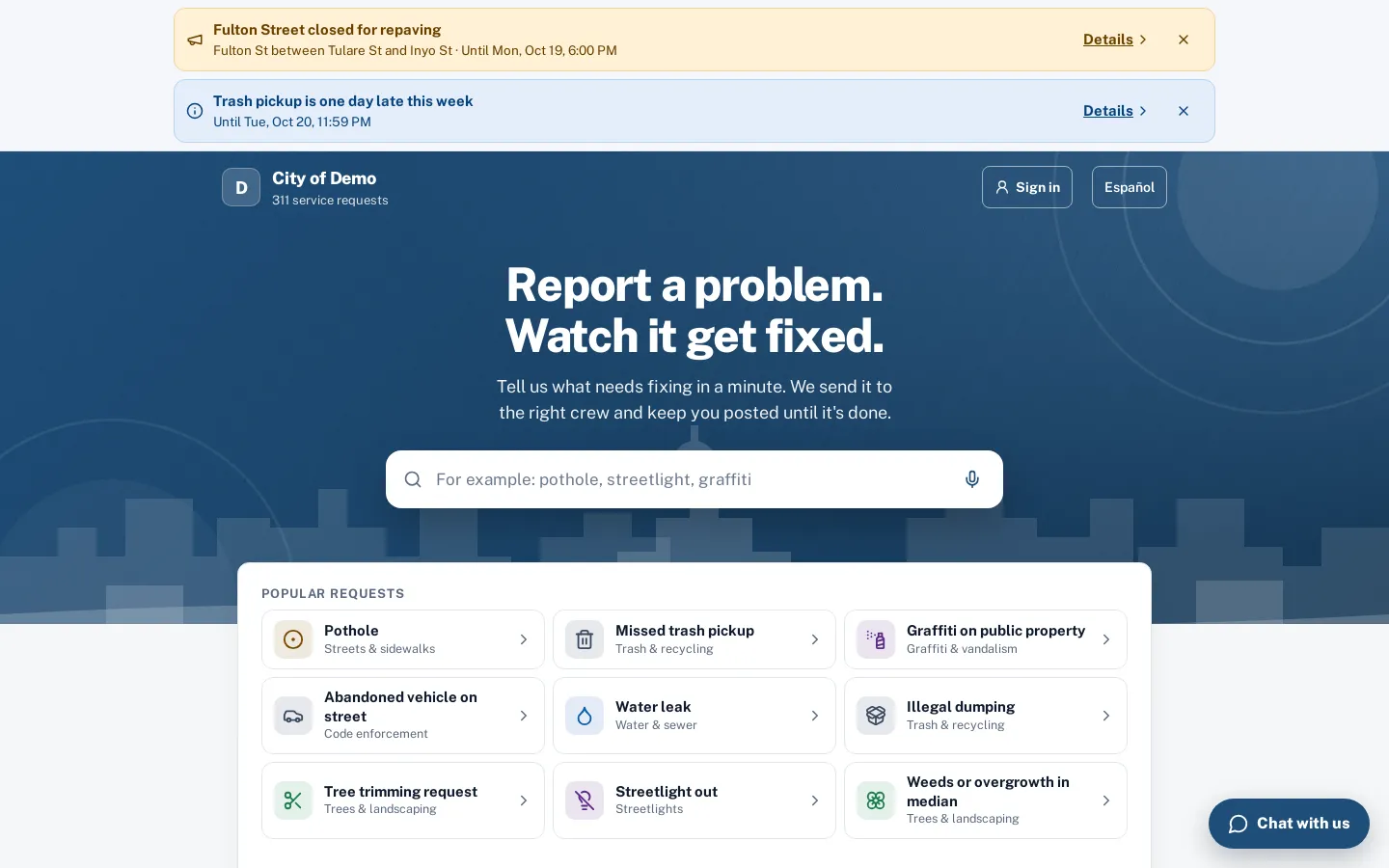
The report page
Search or tap a popular request. Your banner, colors and headline.
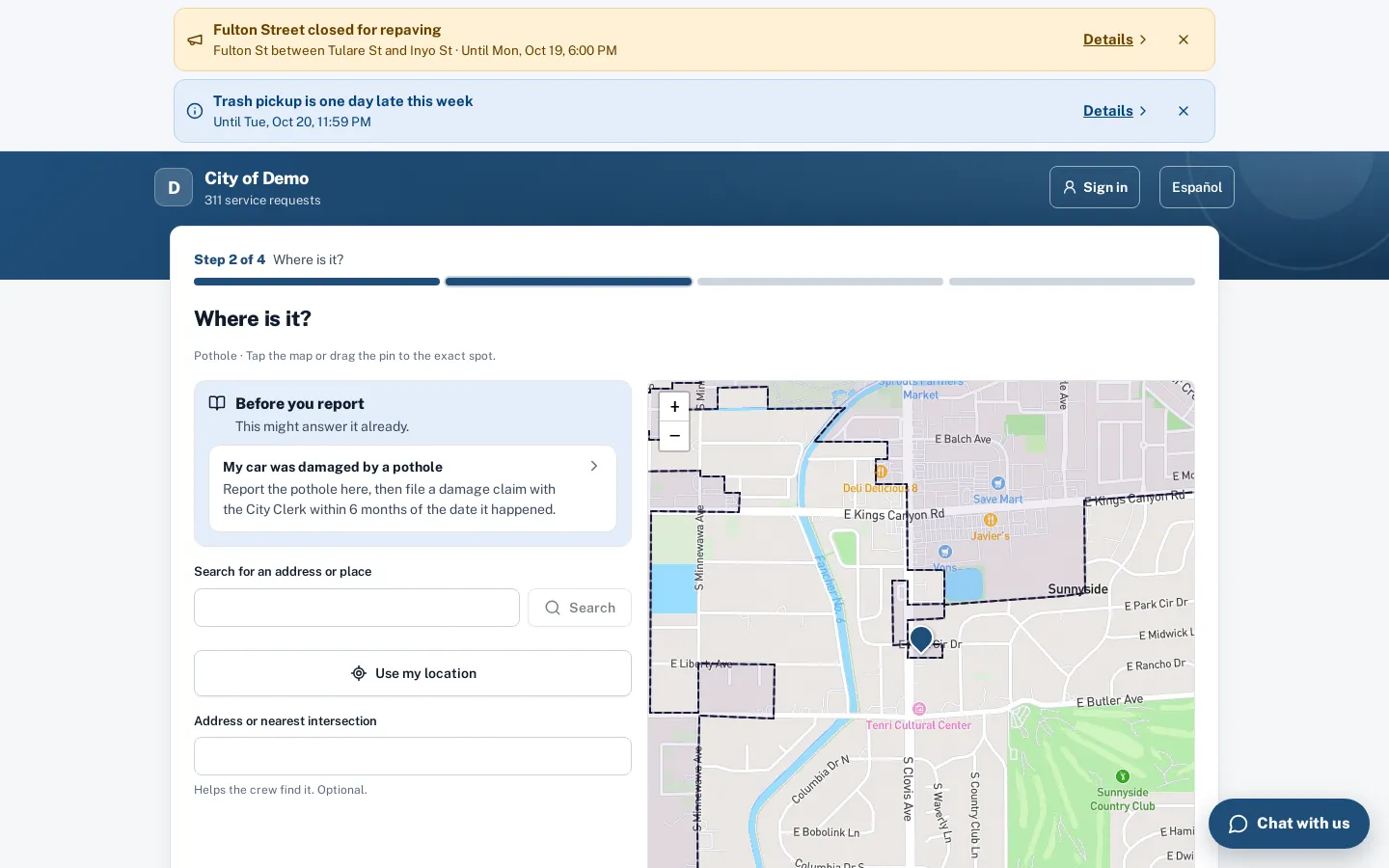
Where is it?
A map with your council districts, address search and help answers.
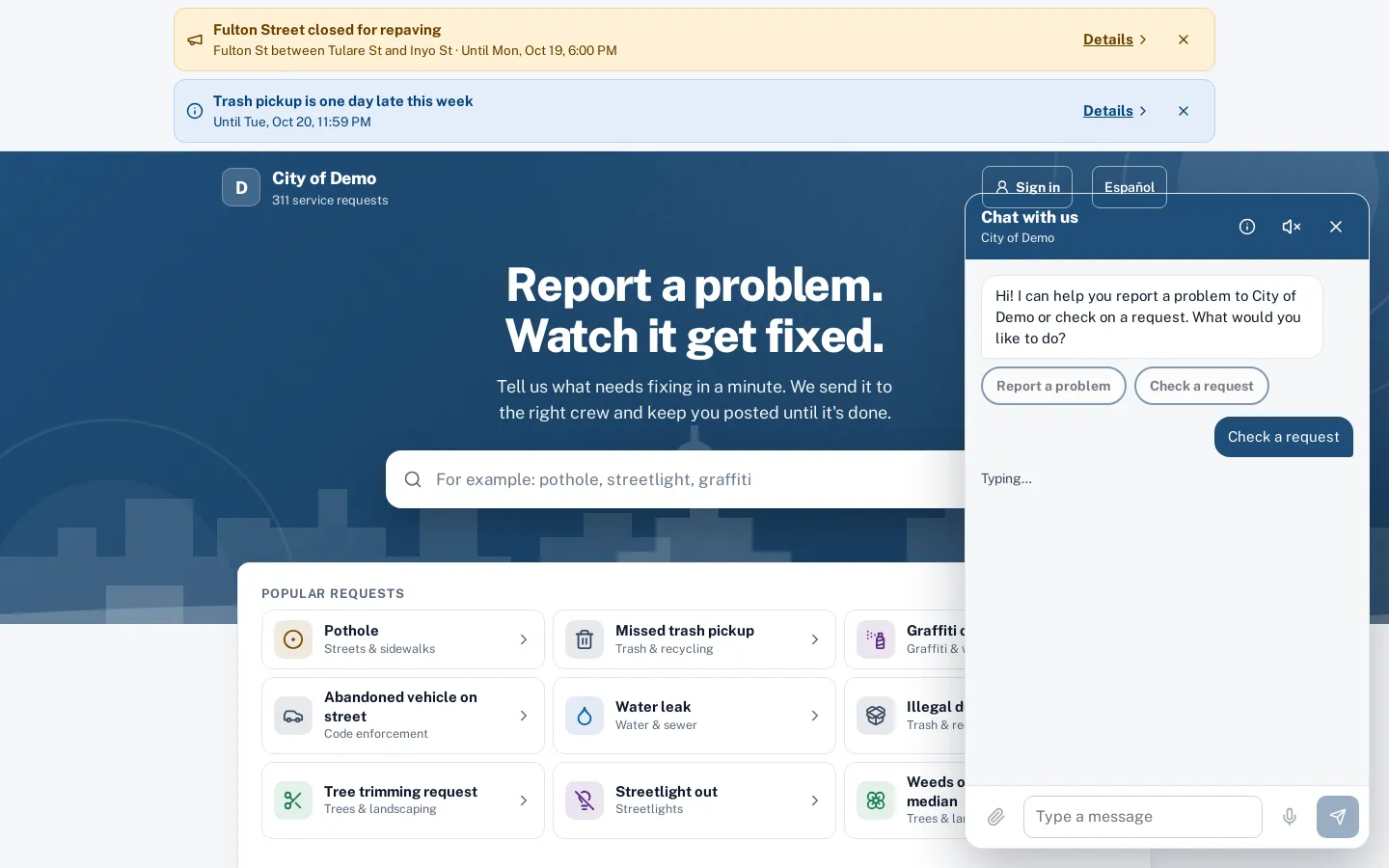
The chat
Report in plain words or check status by number.
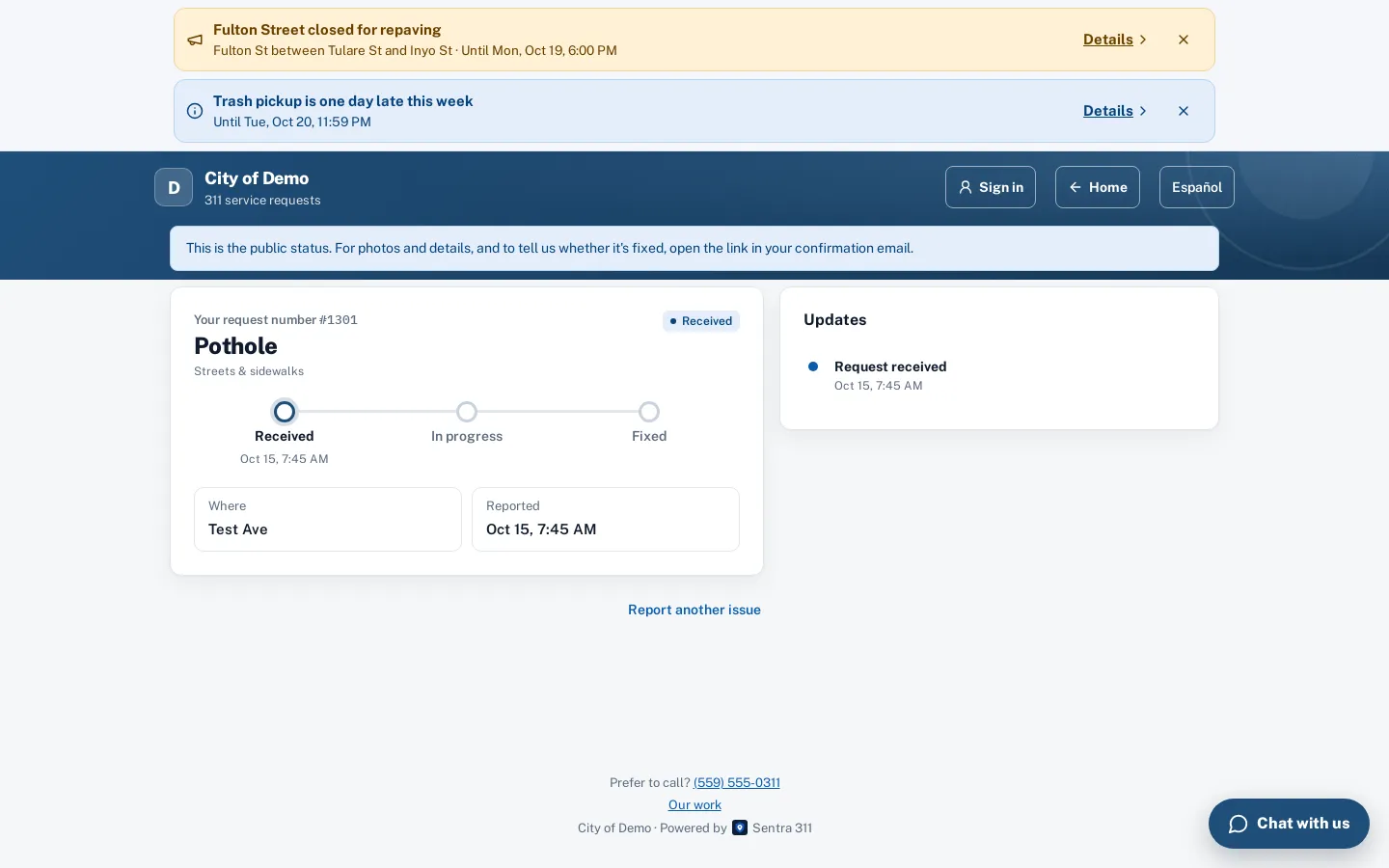
Tracking
Status, public updates and photos, without personal details.
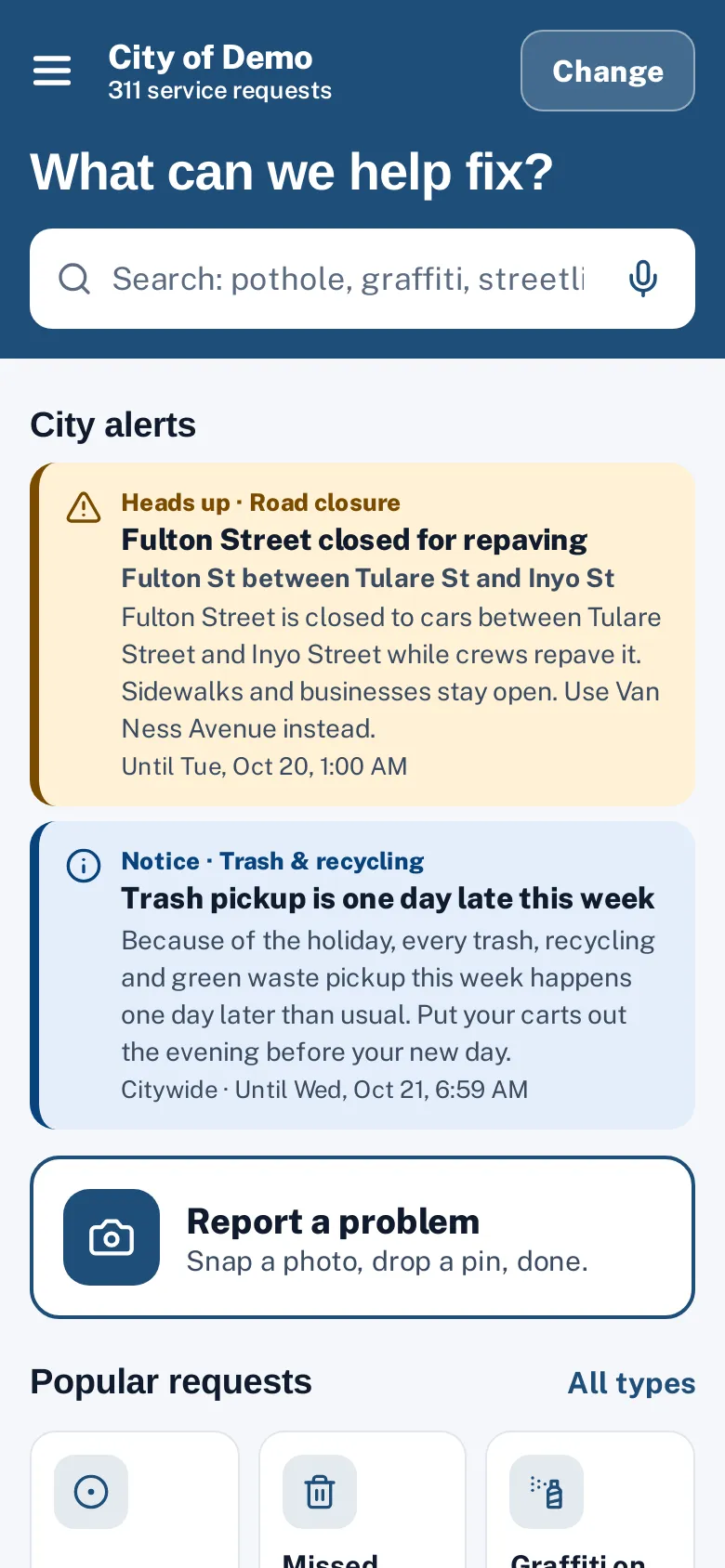
The resident app
Popular requests, my requests and reported near me.
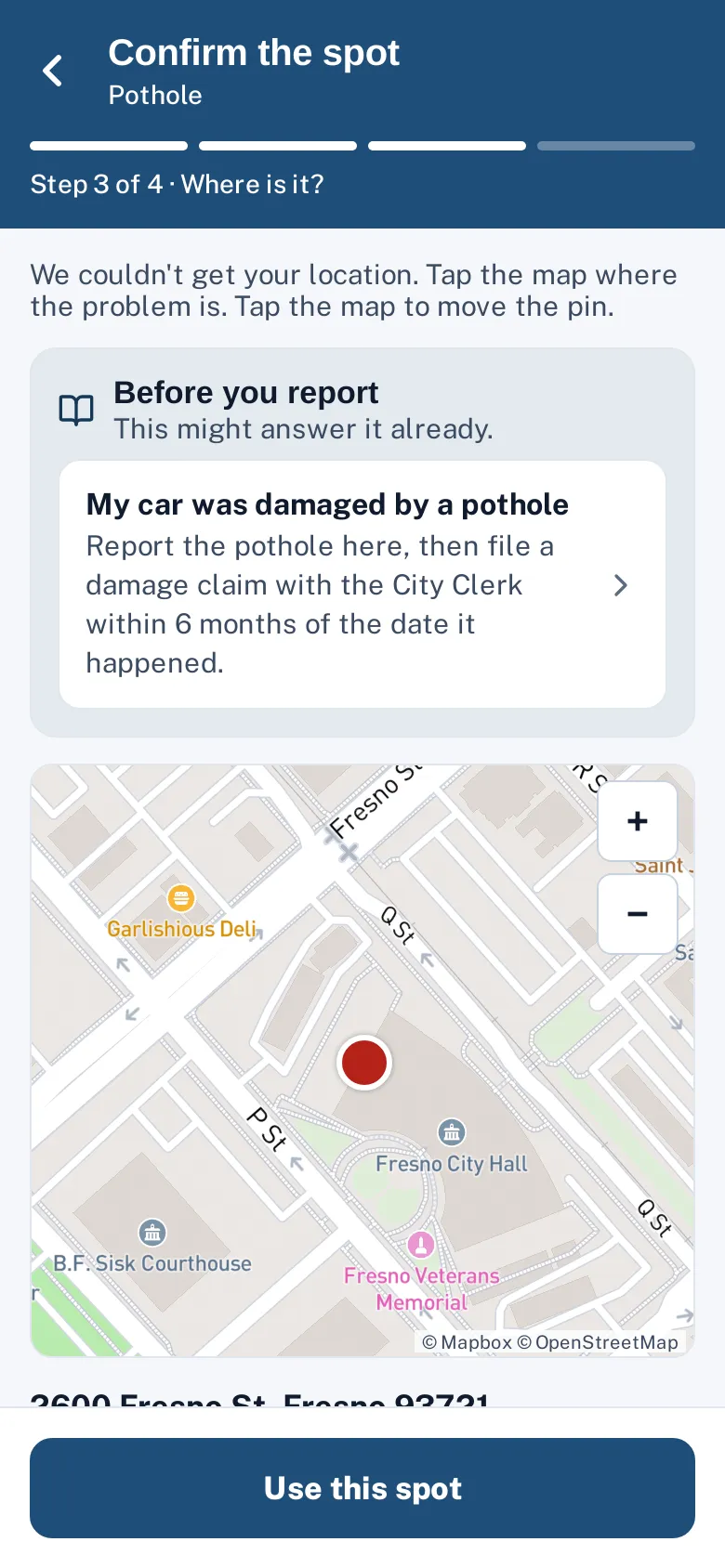
Confirm the spot
The pin, the address and help answers.
Staff
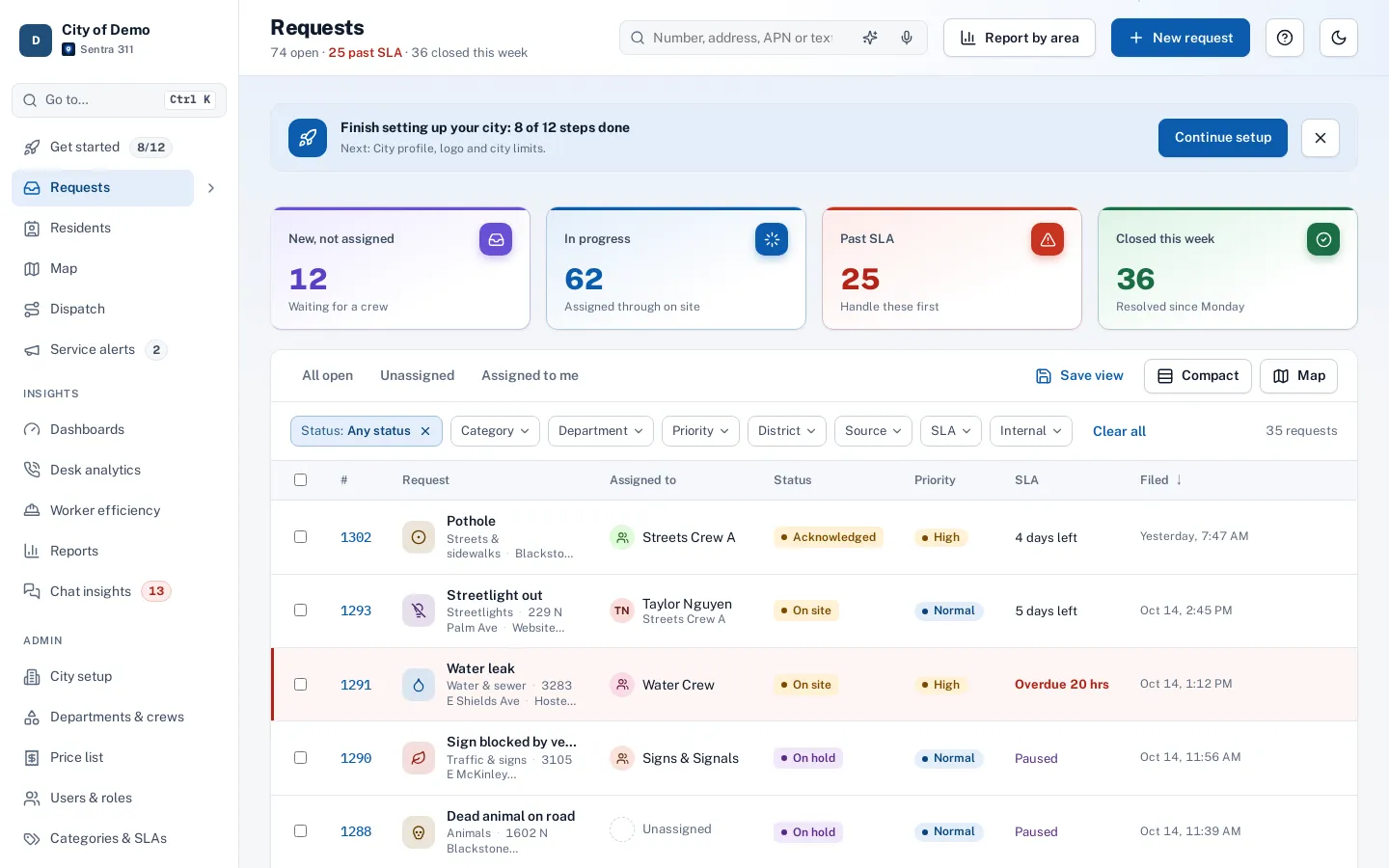
The request queue
Tiles, filters, saved views and plain-words search.
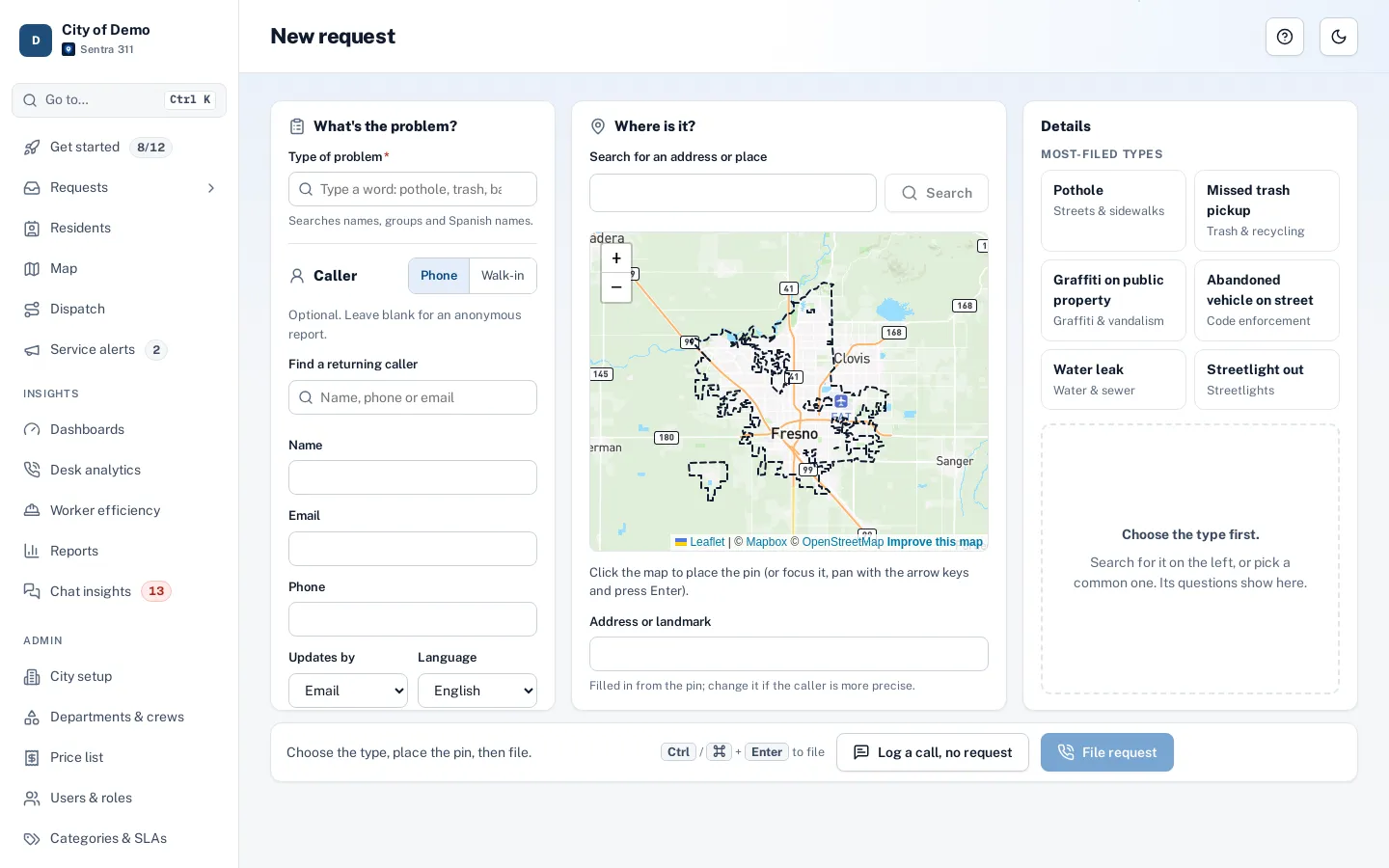
Phone entry
Caller, type, map and questions on one screen.
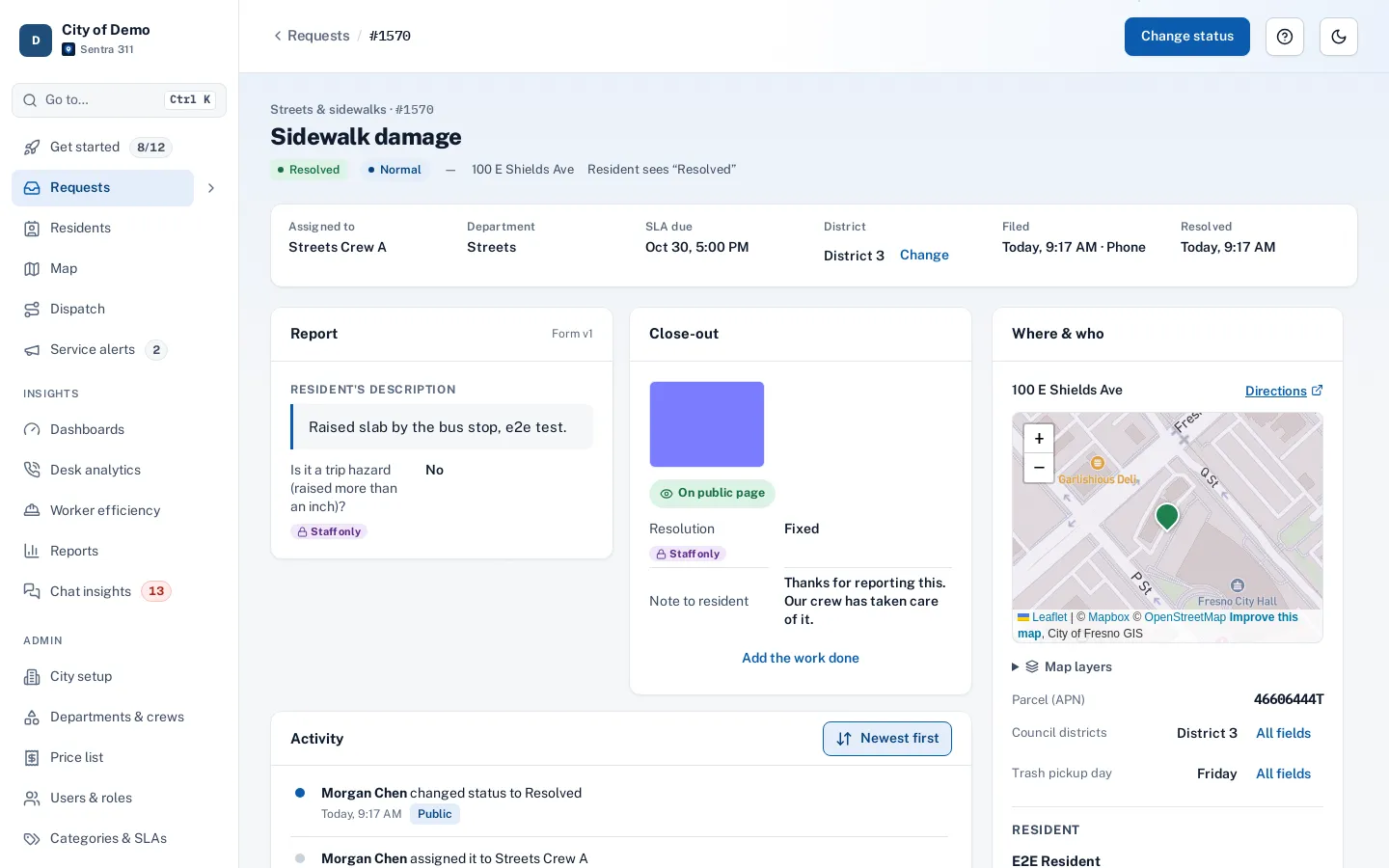
A request
Answers, photos, timeline, map and GIS layers.
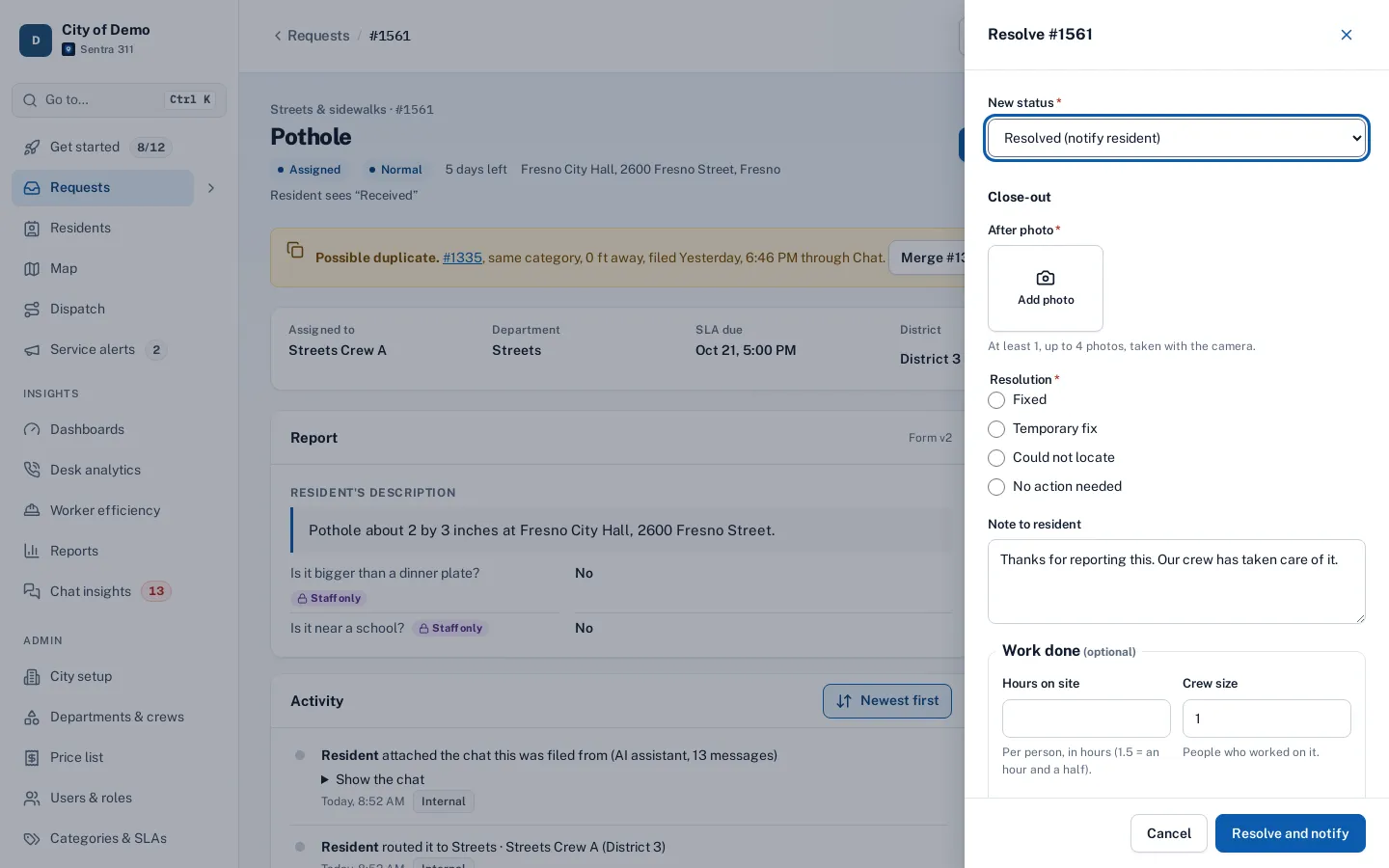
Closing with proof
What this type needs before it can be closed.
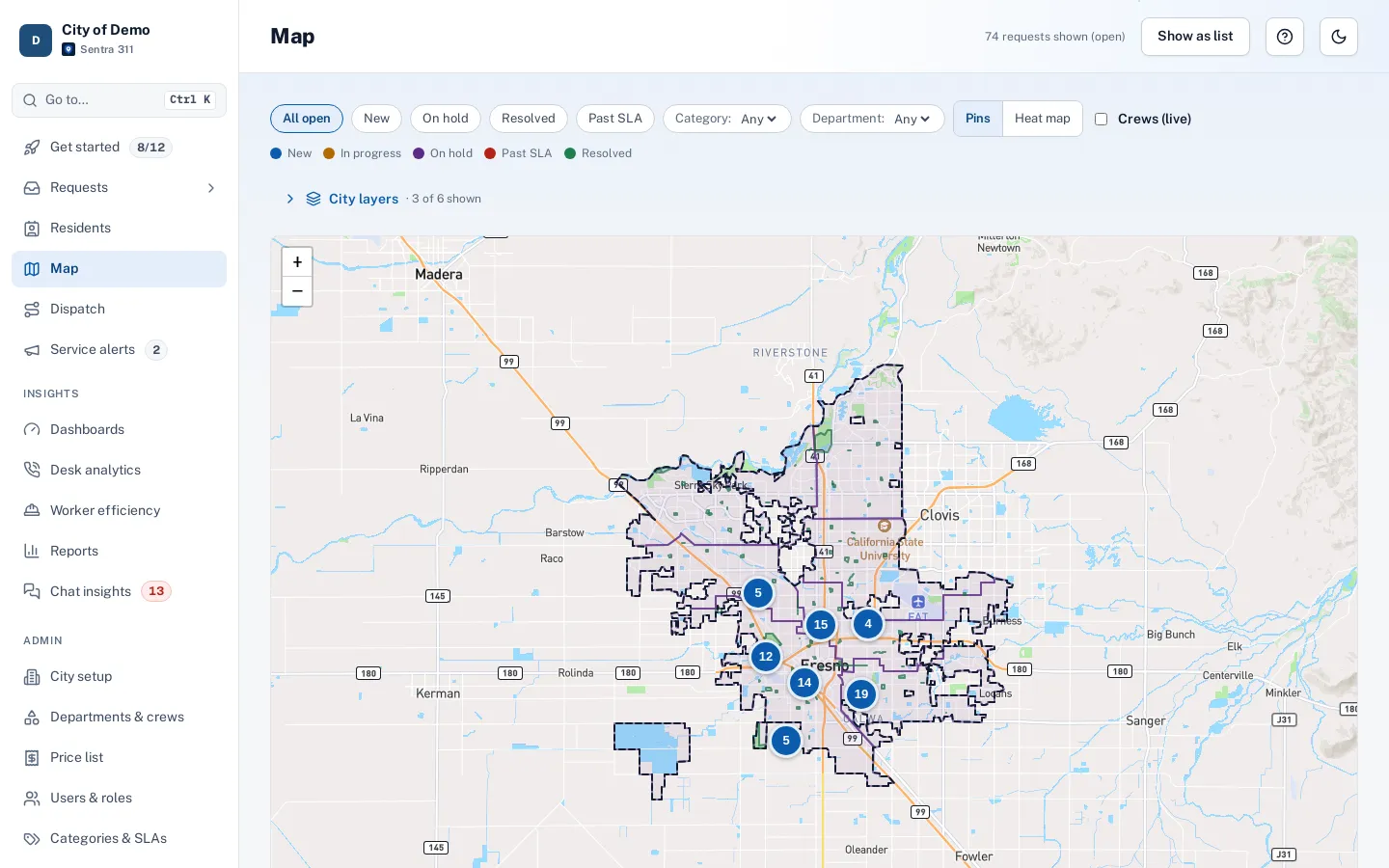
The map
Clusters, layers and districts.
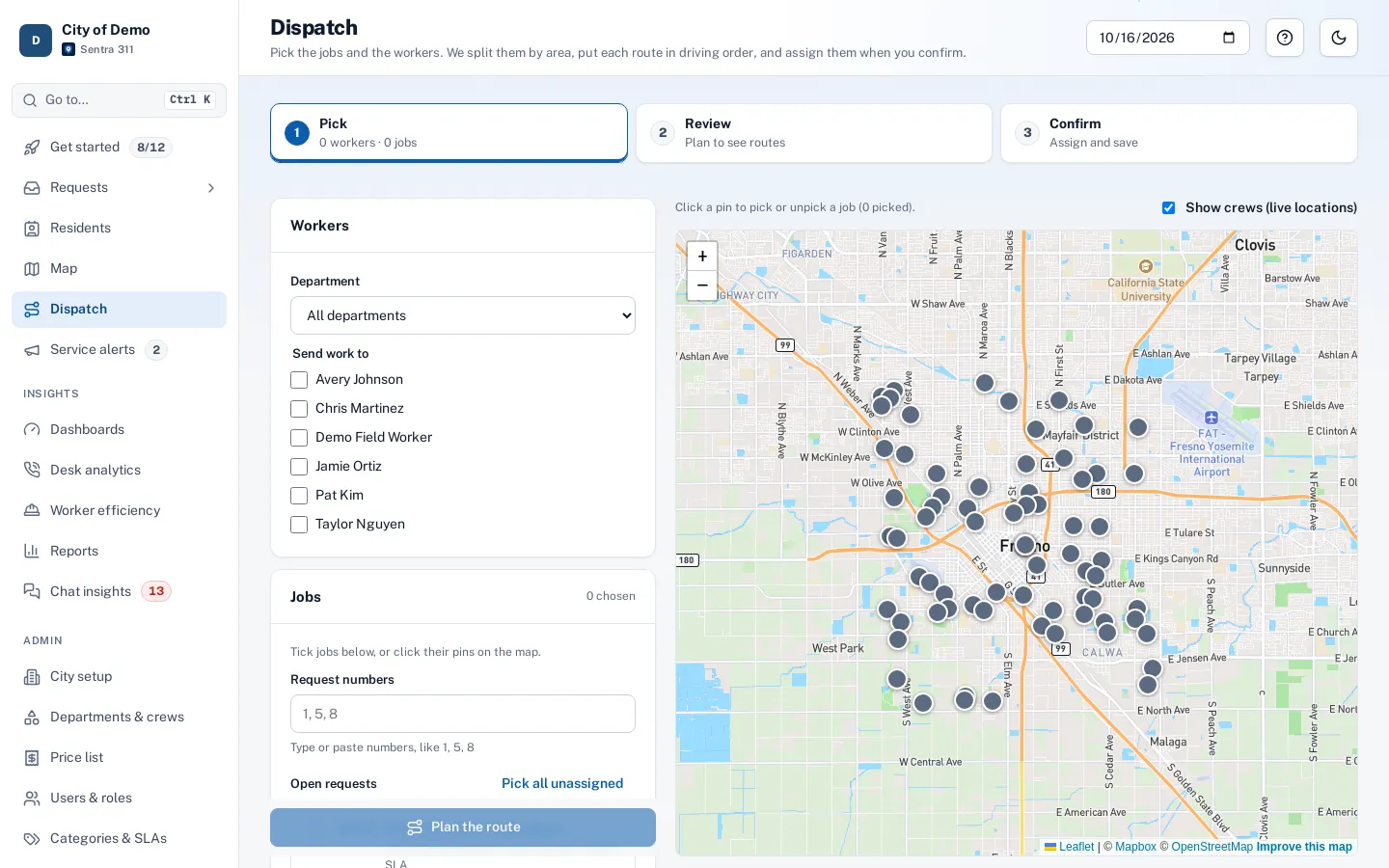
Dispatch
Routes for several workers along real streets.
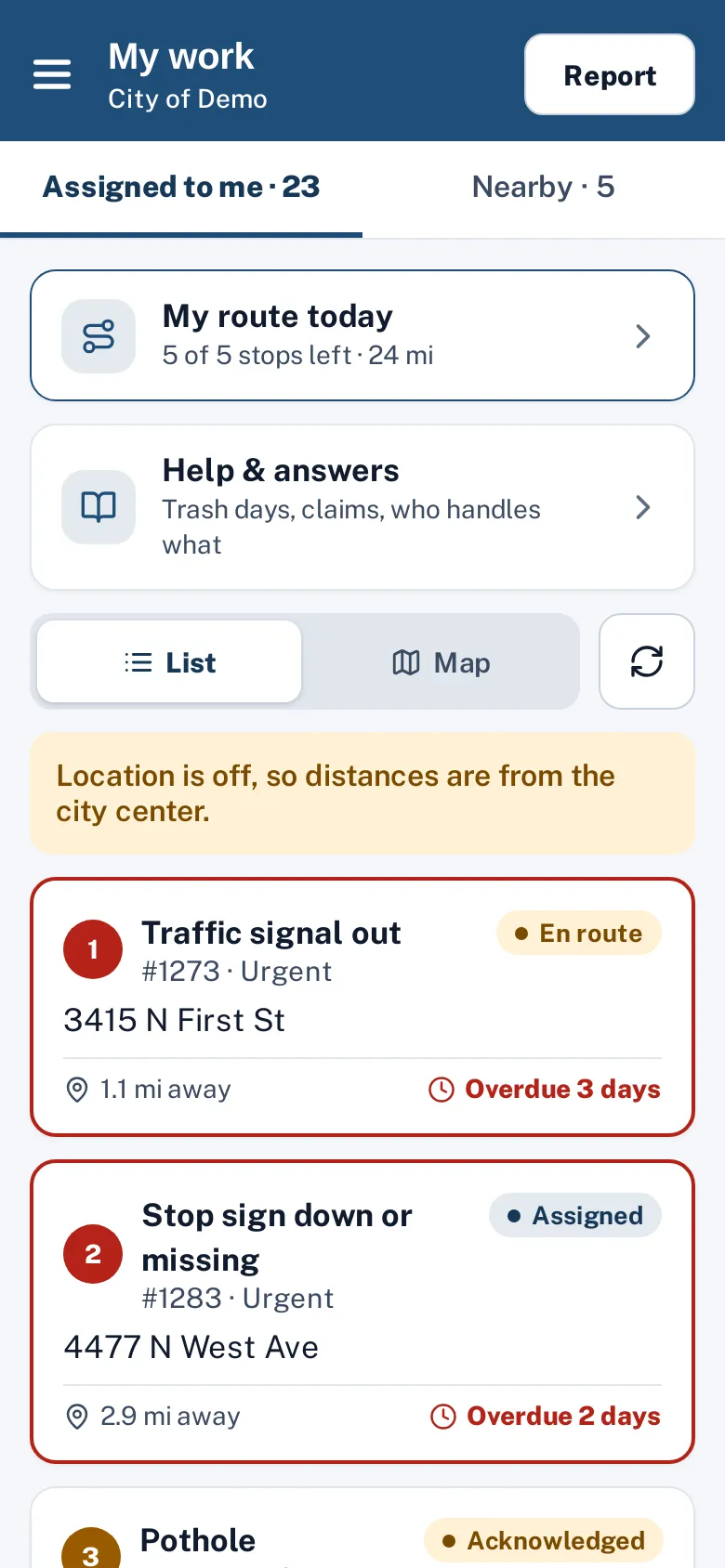
Field crews
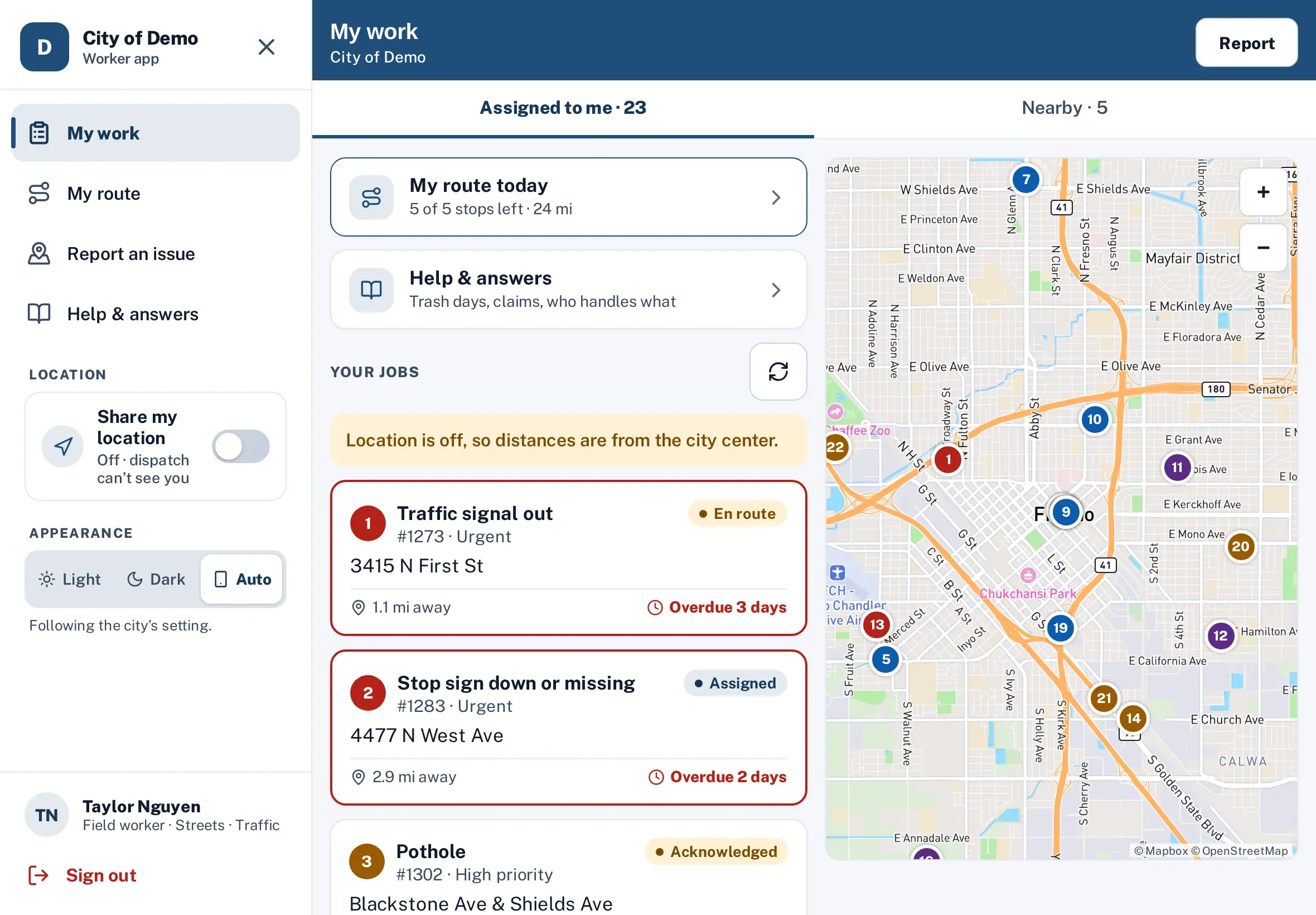
My work
Today’s jobs by priority and distance.
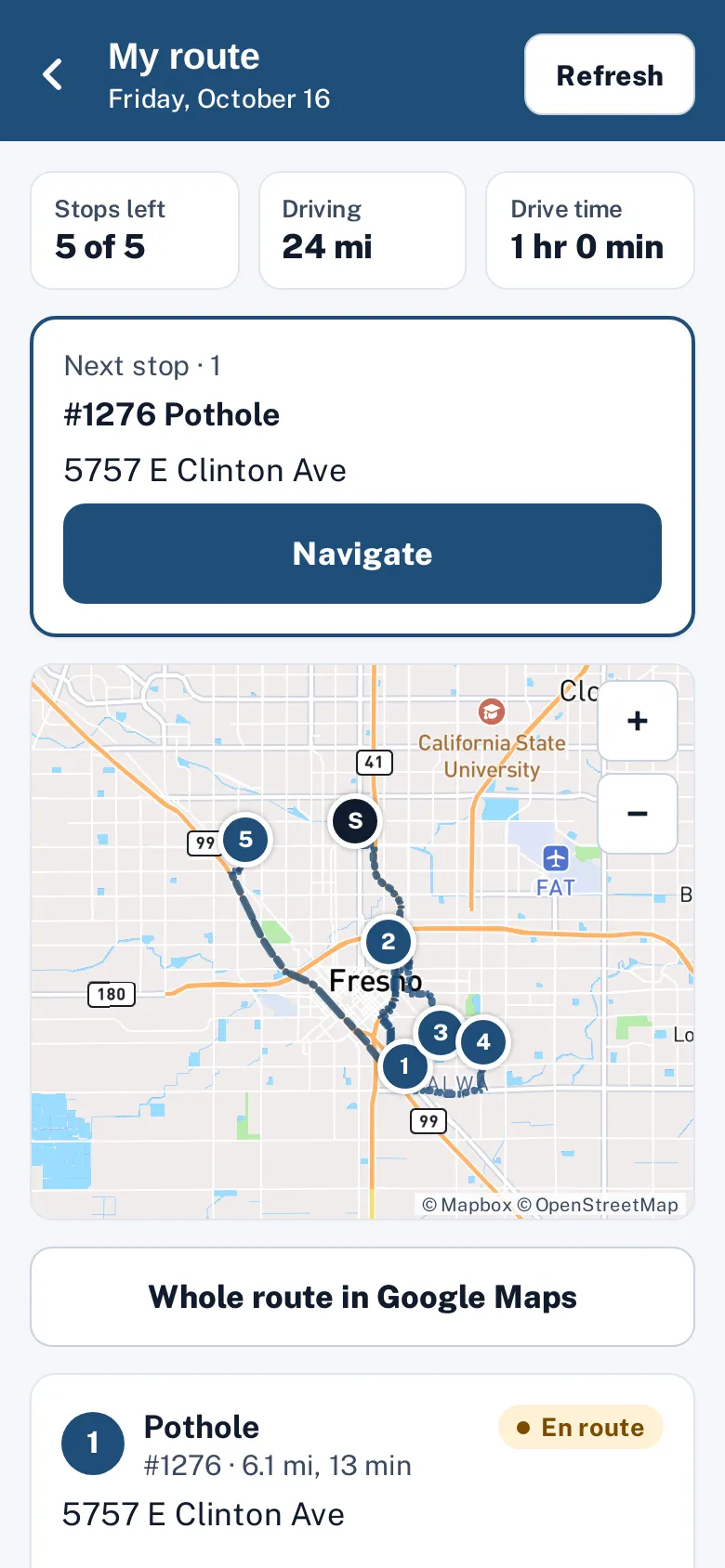
My route
Stops in driving order with Navigate.
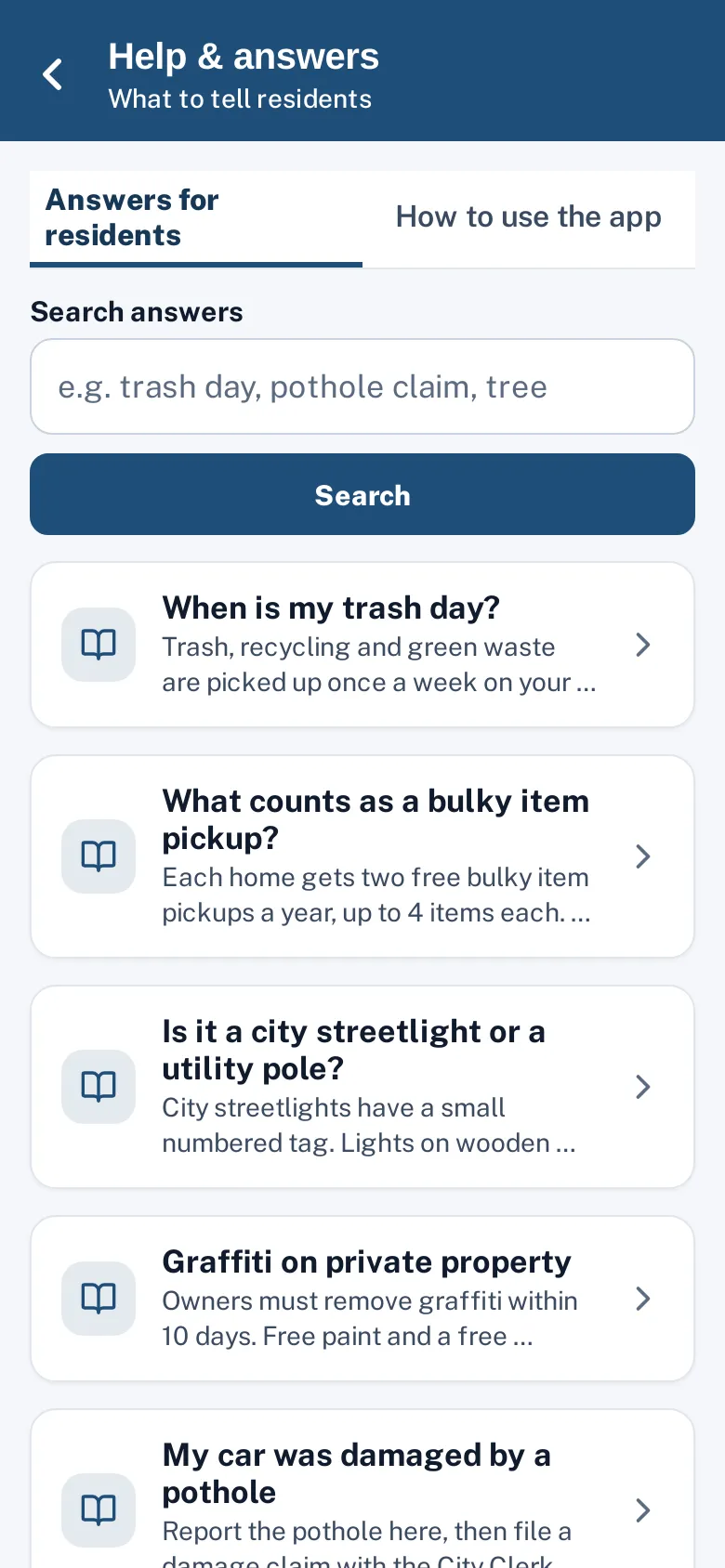
Help & answers
Answers to show residents.
On an iPad
List and map side by side.
Insight
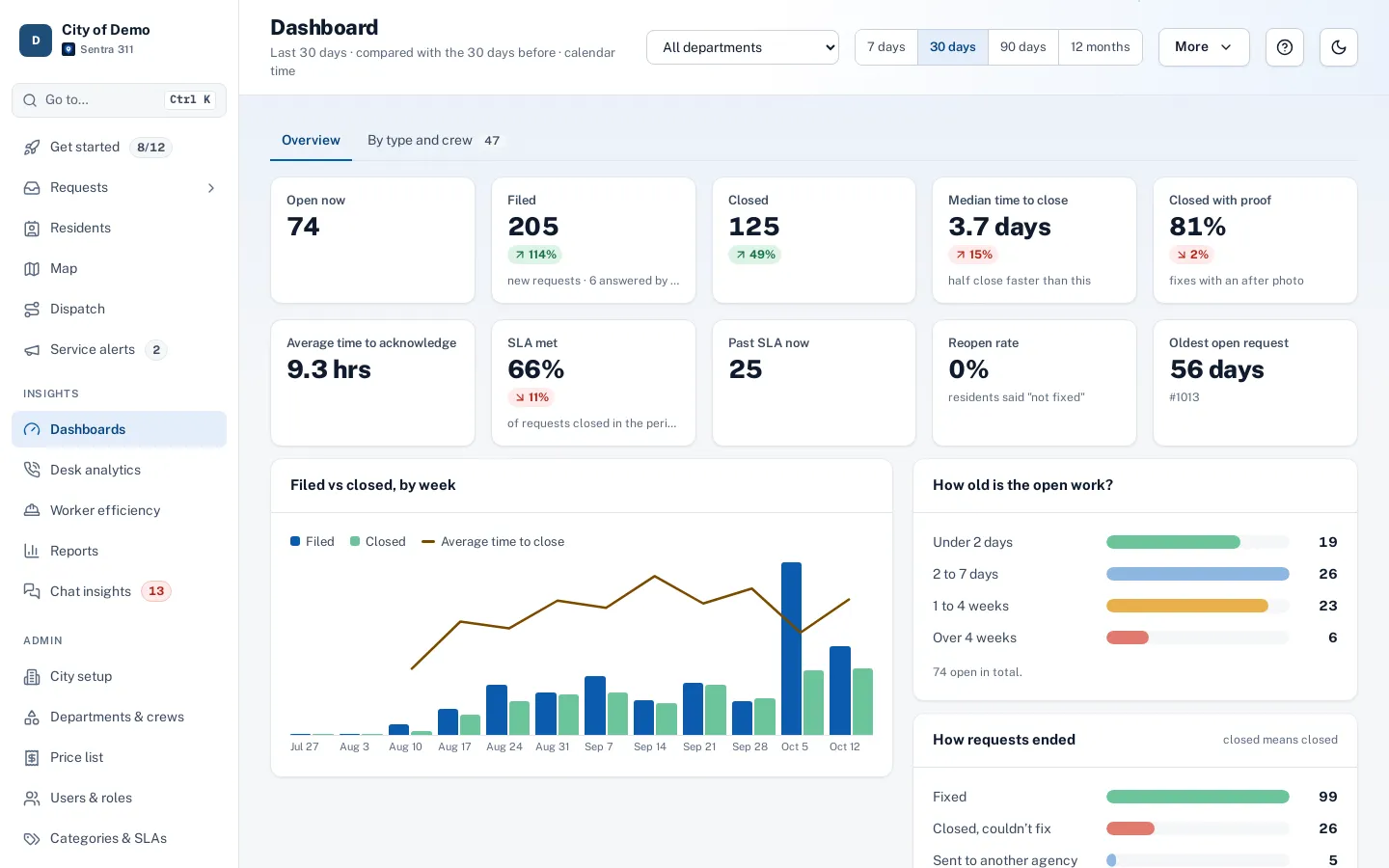
Dashboards
Each department compared with the previous period.
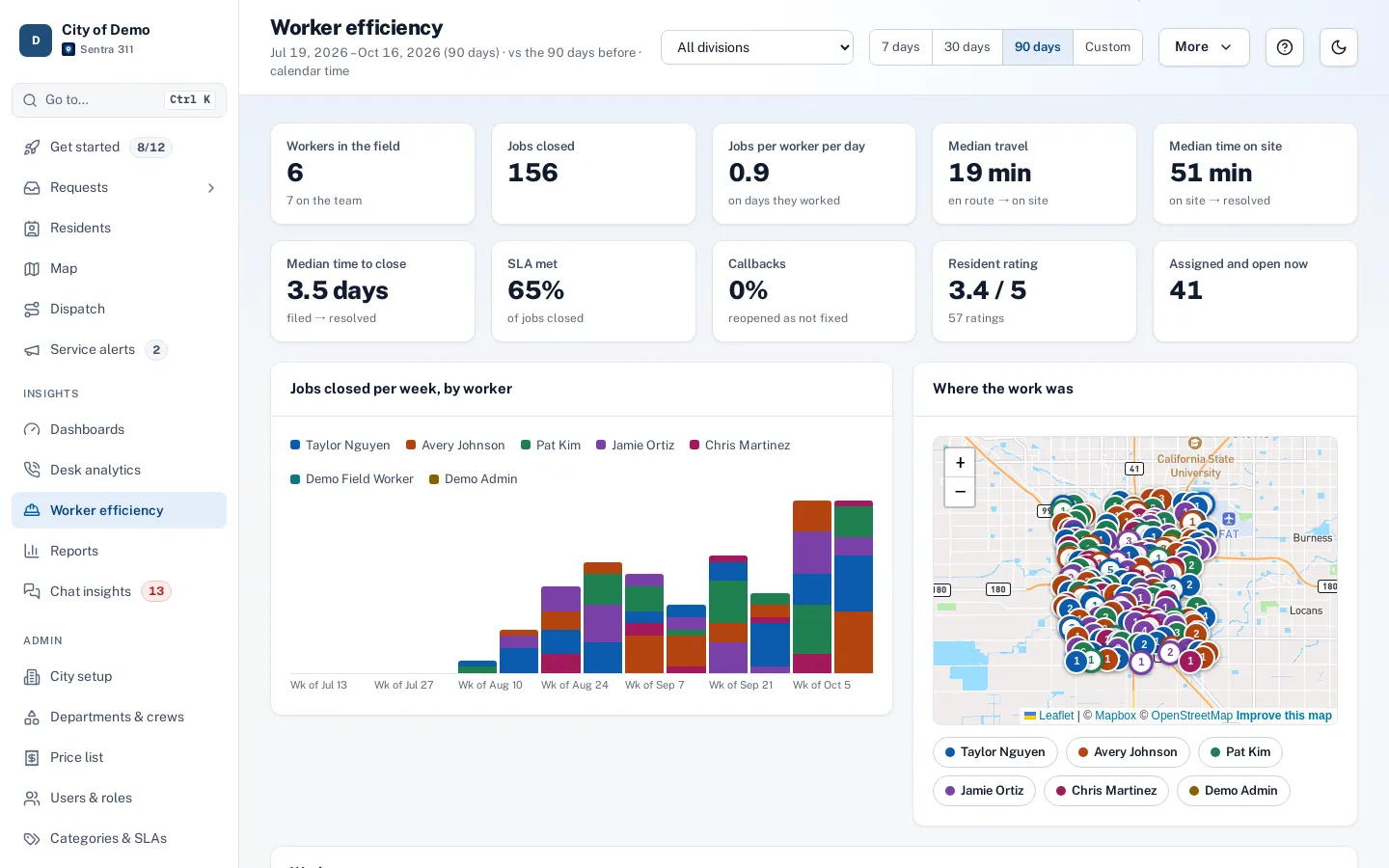
Worker efficiency
Travel and on-site time, fairly measured.
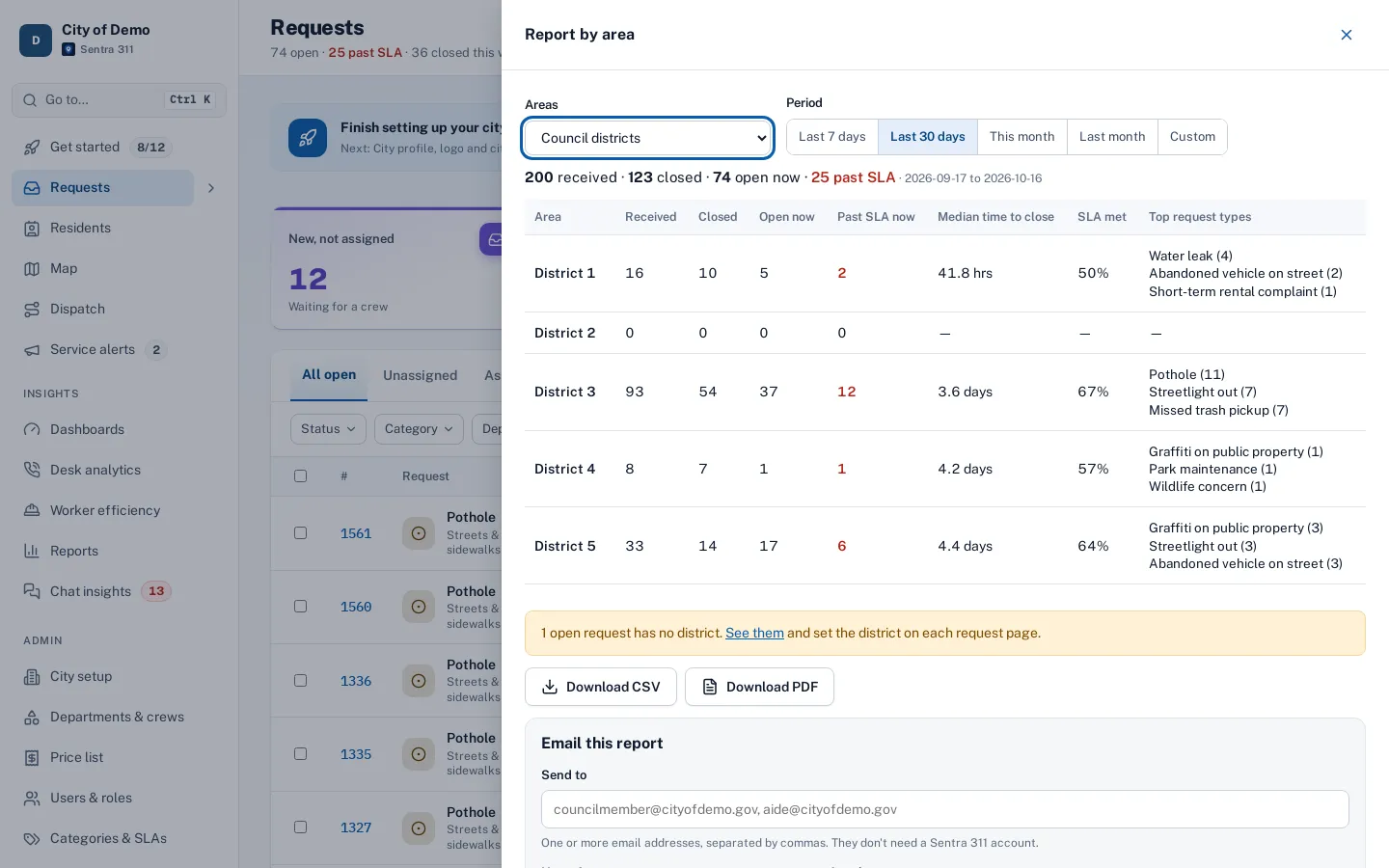
District reports
Every council district, emailed on a schedule.
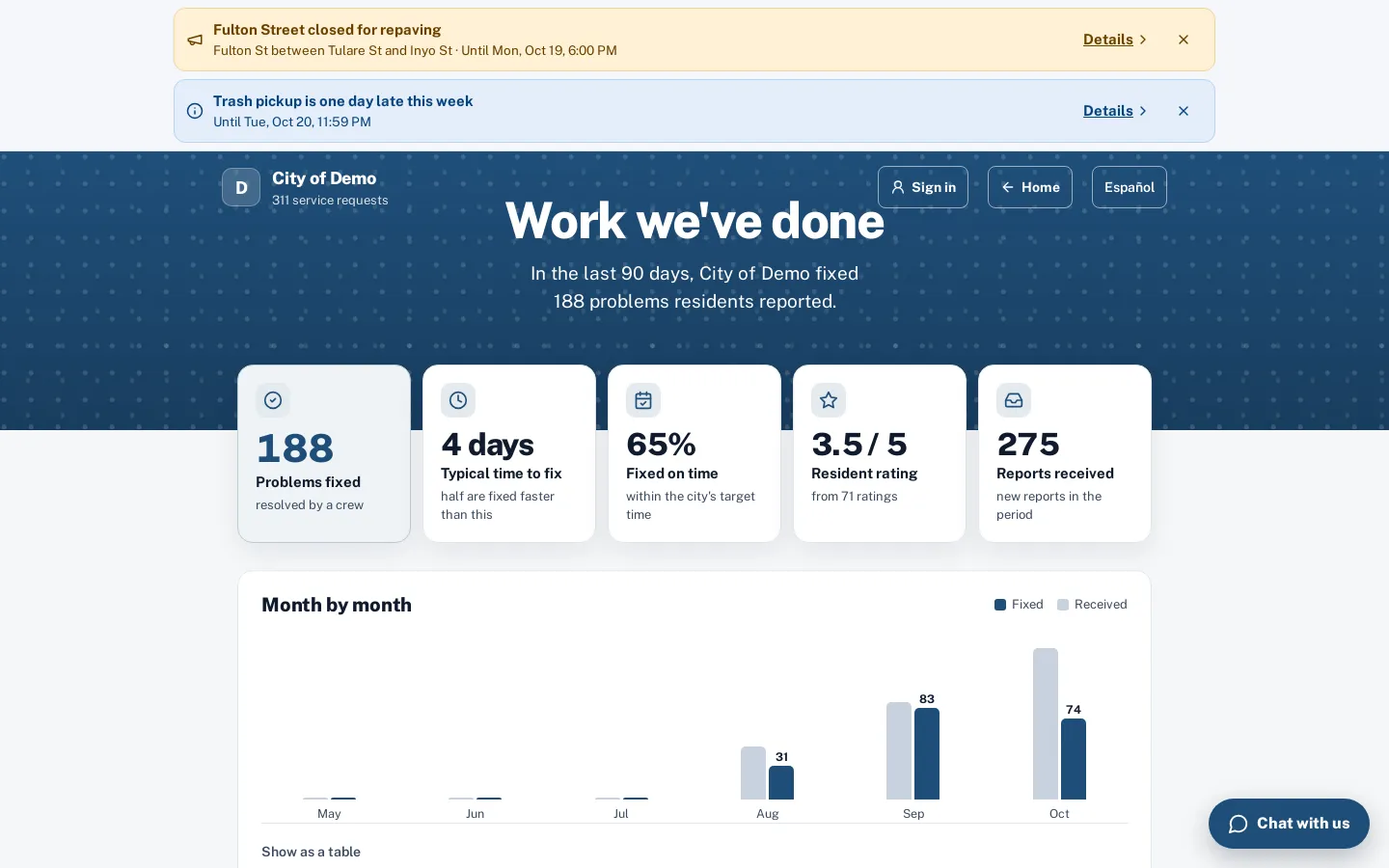
Public performance
The work you’ve done, for residents to see.
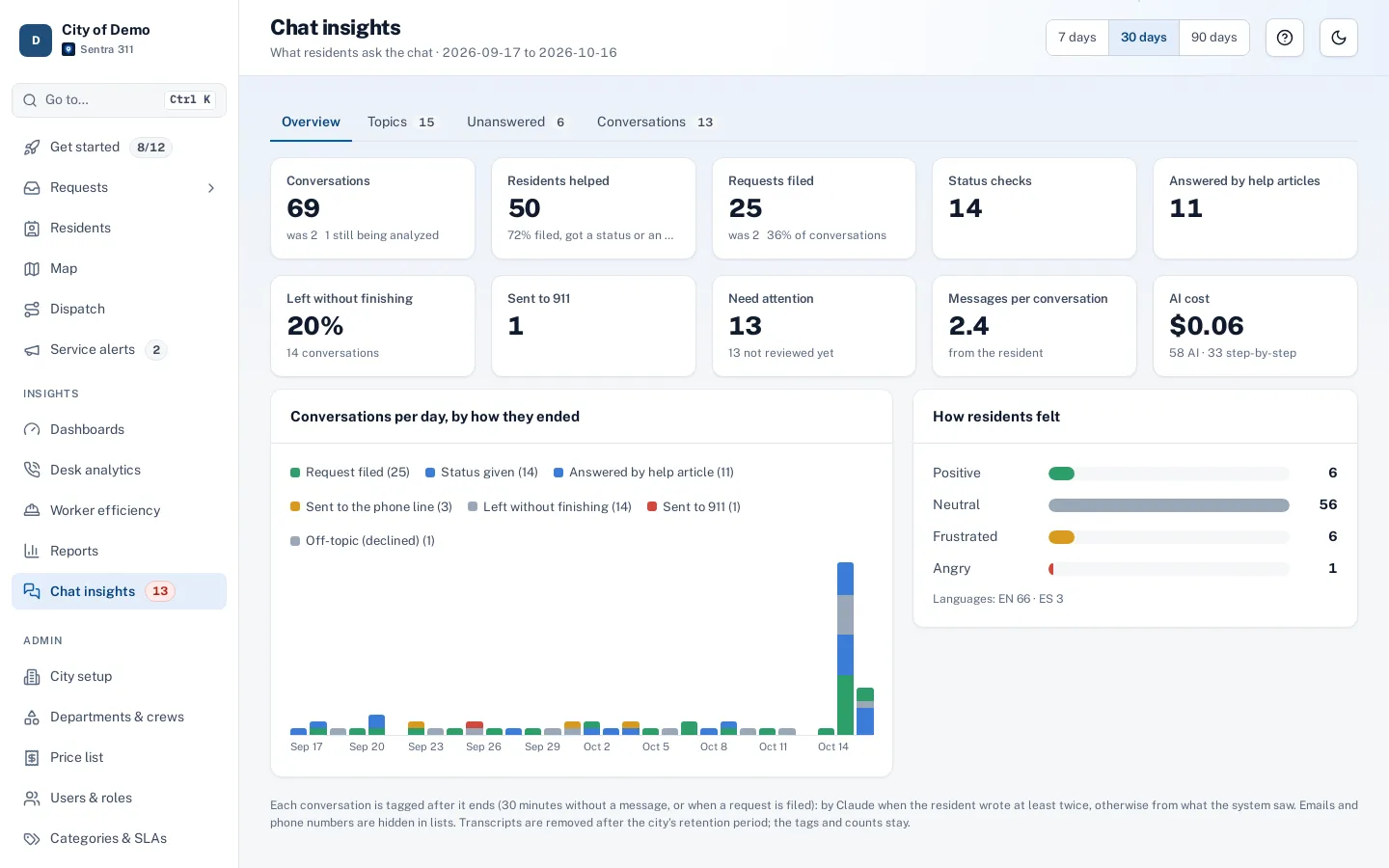
Chat insights
What residents ask and what needs attention.
Admin
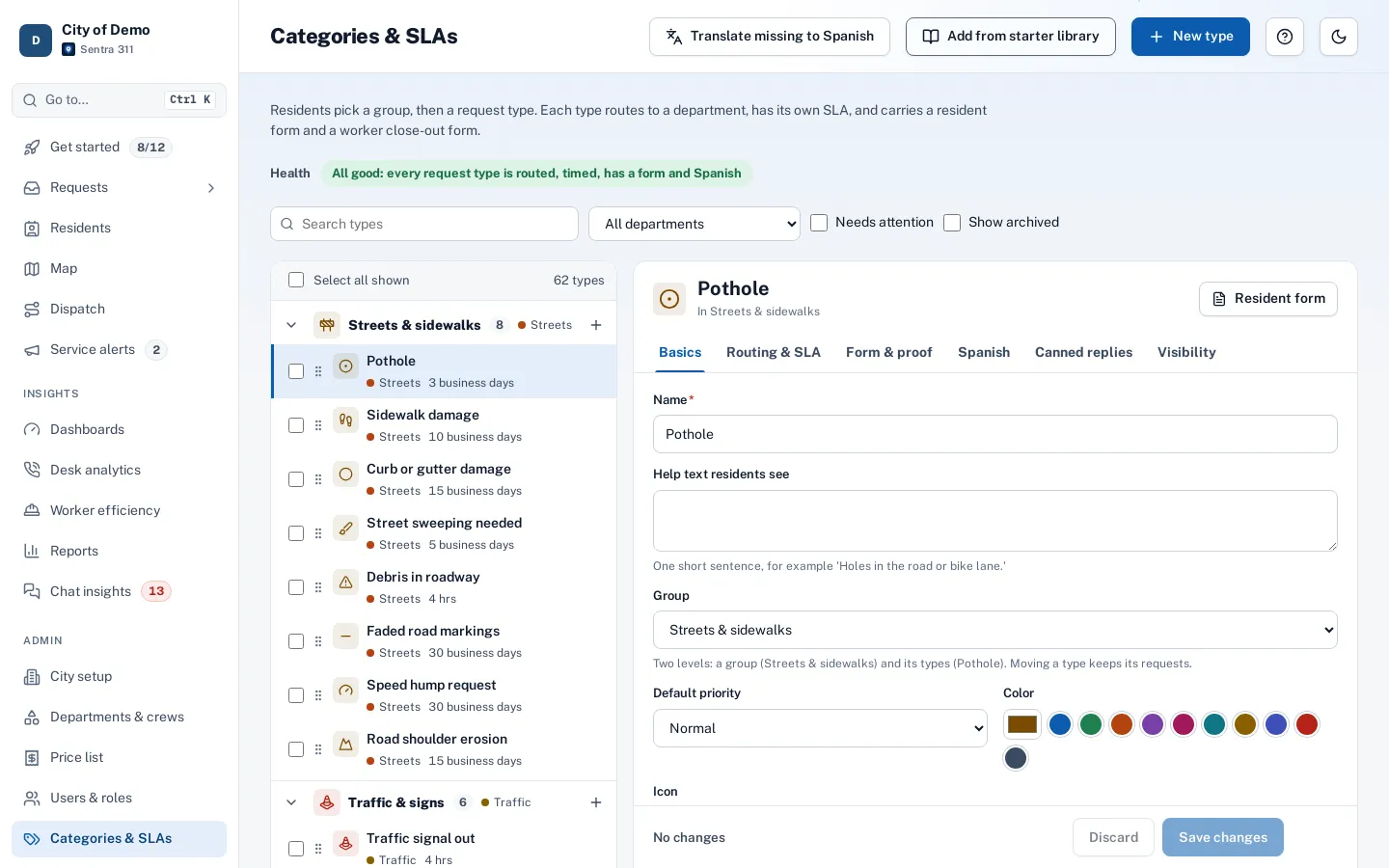
Request types & SLAs
Types, icons, departments and business-hour SLAs.
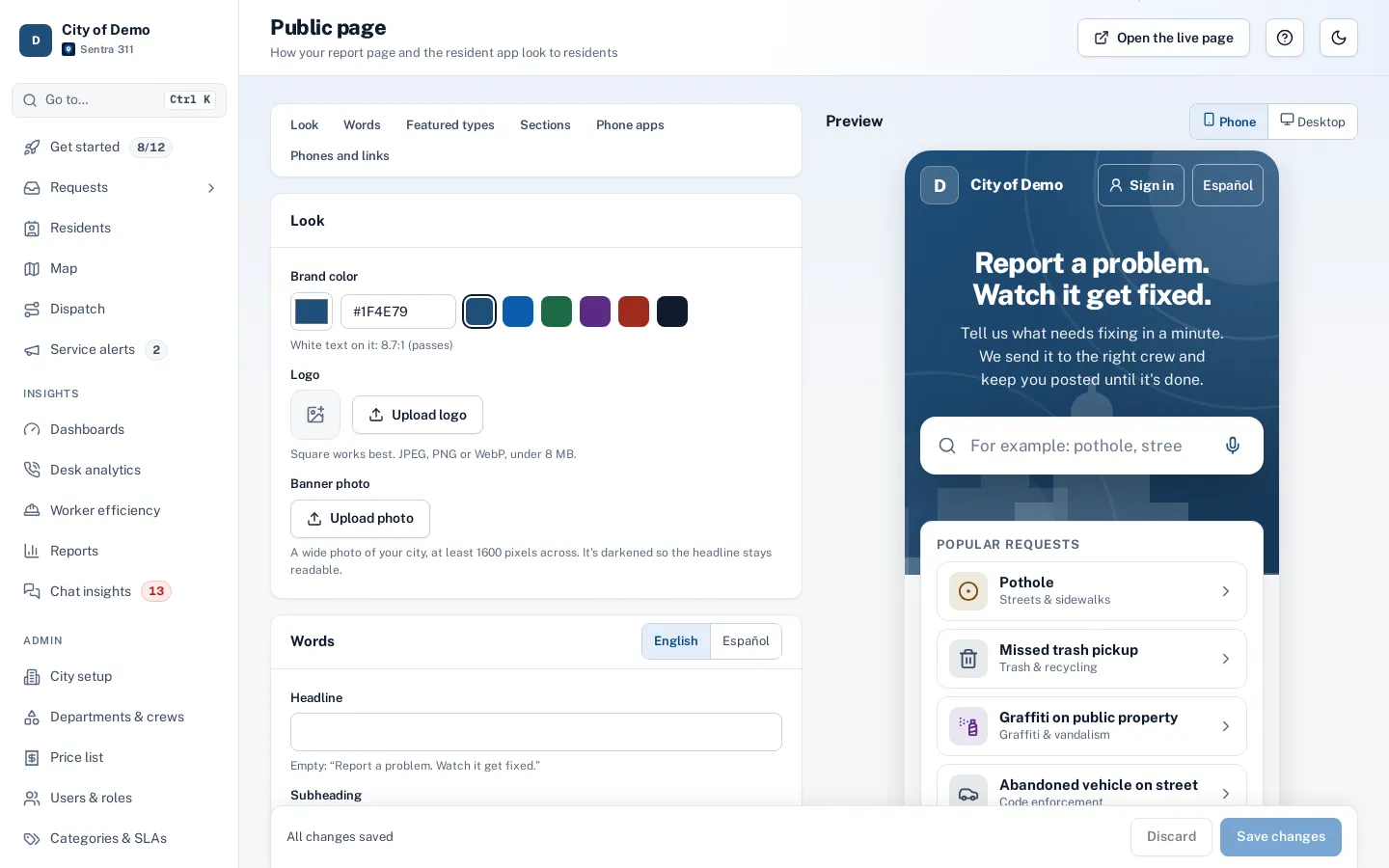
Public page & app themes
Your colors, banner and headline with a live preview.
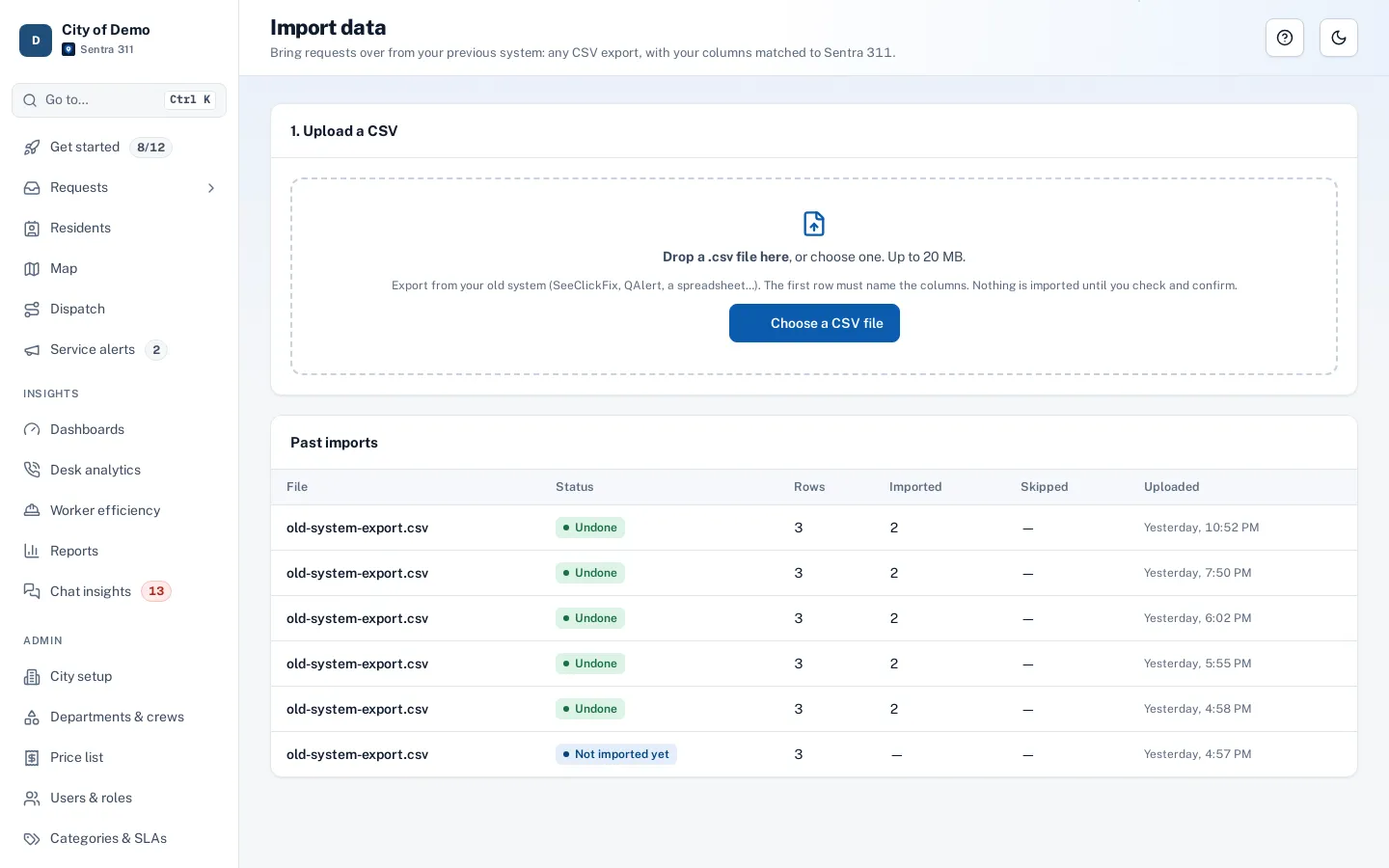
Importer
Bring your history, with undo.
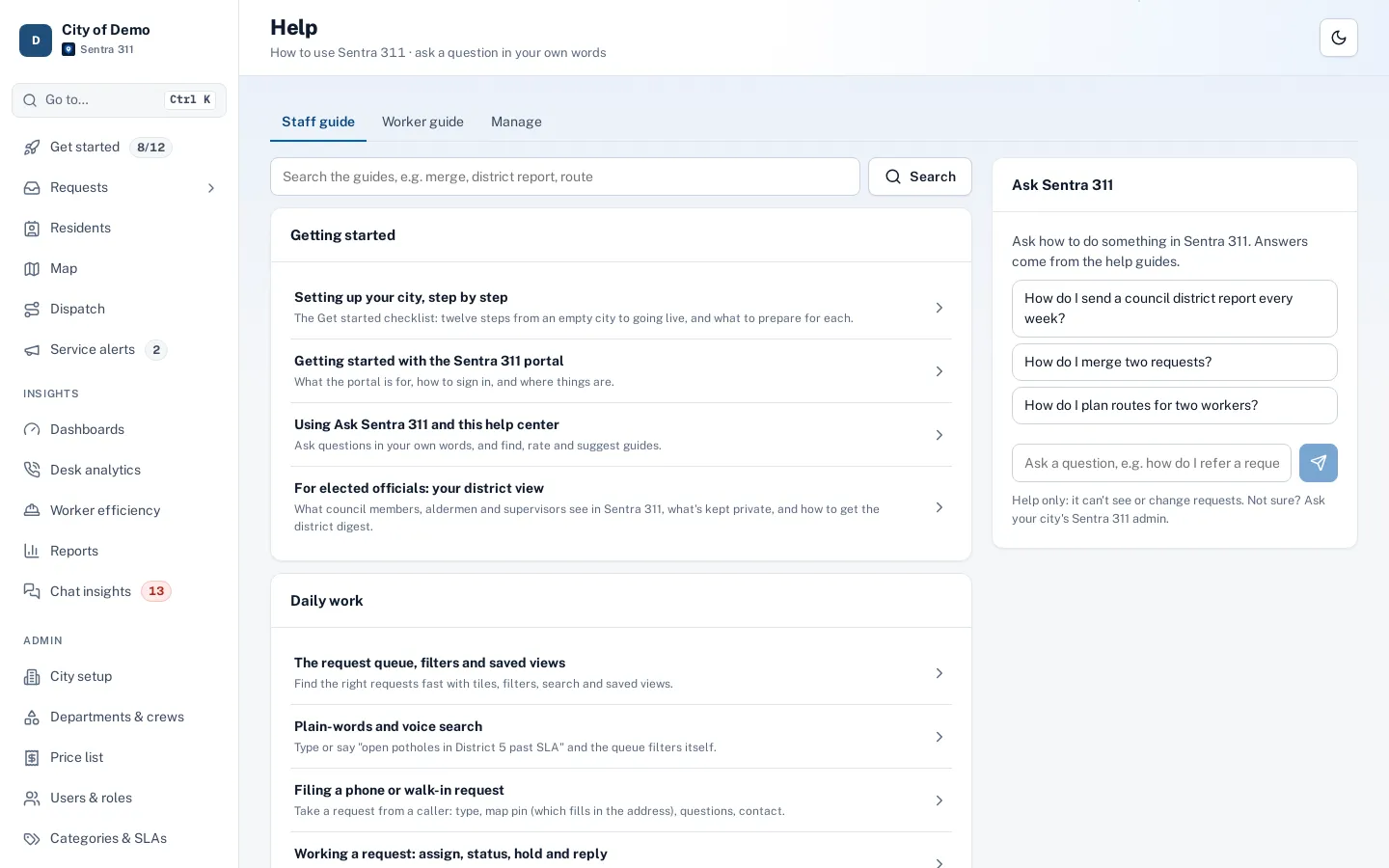
Help center
Guides for staff and crews, and Ask Sentra 311.