
File a phone call while you’re still on it.
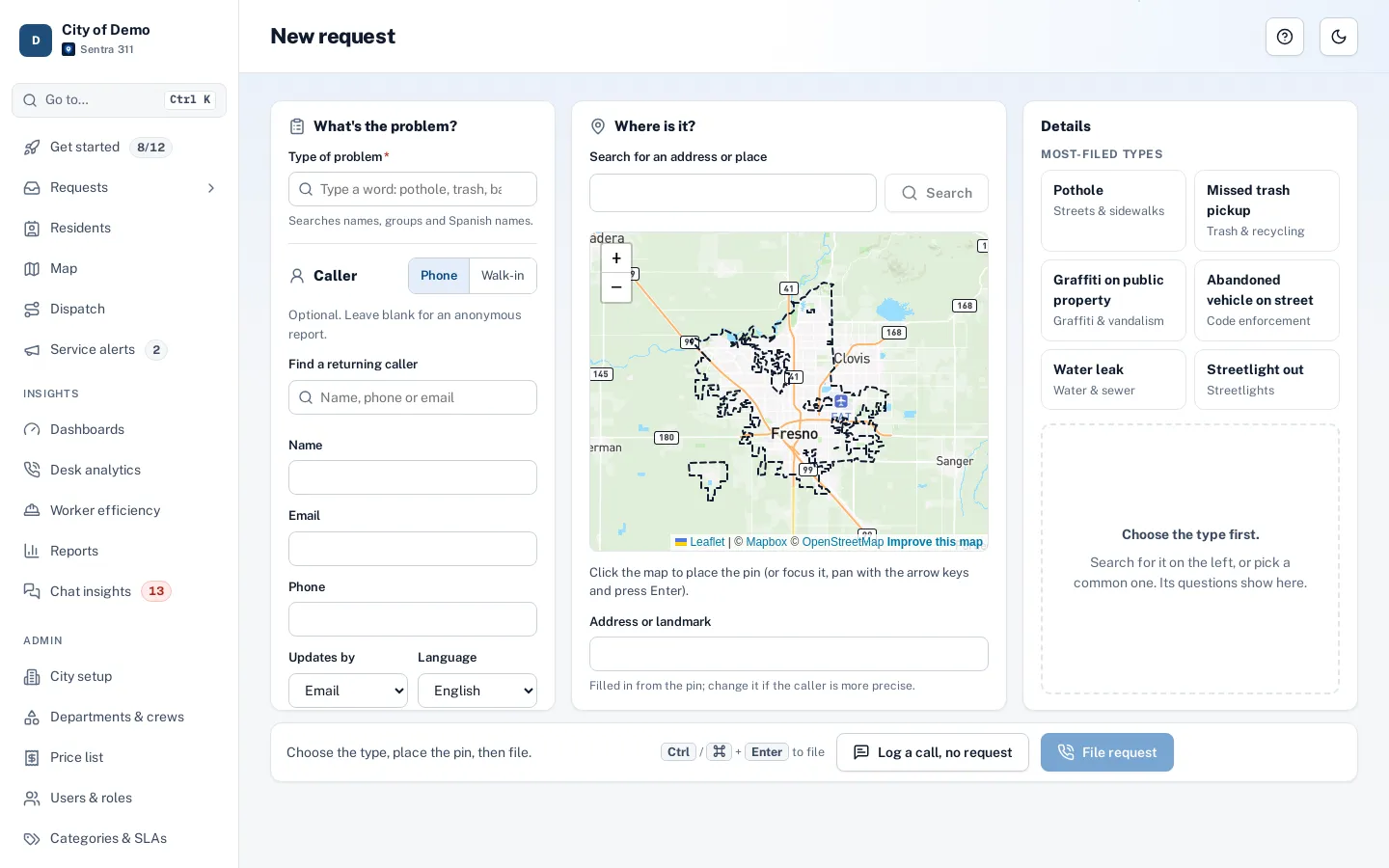
Caller, type, map and questions on one screen. Click the map and the address fills itself. Help answers sit beside the form, so many calls end without a request.
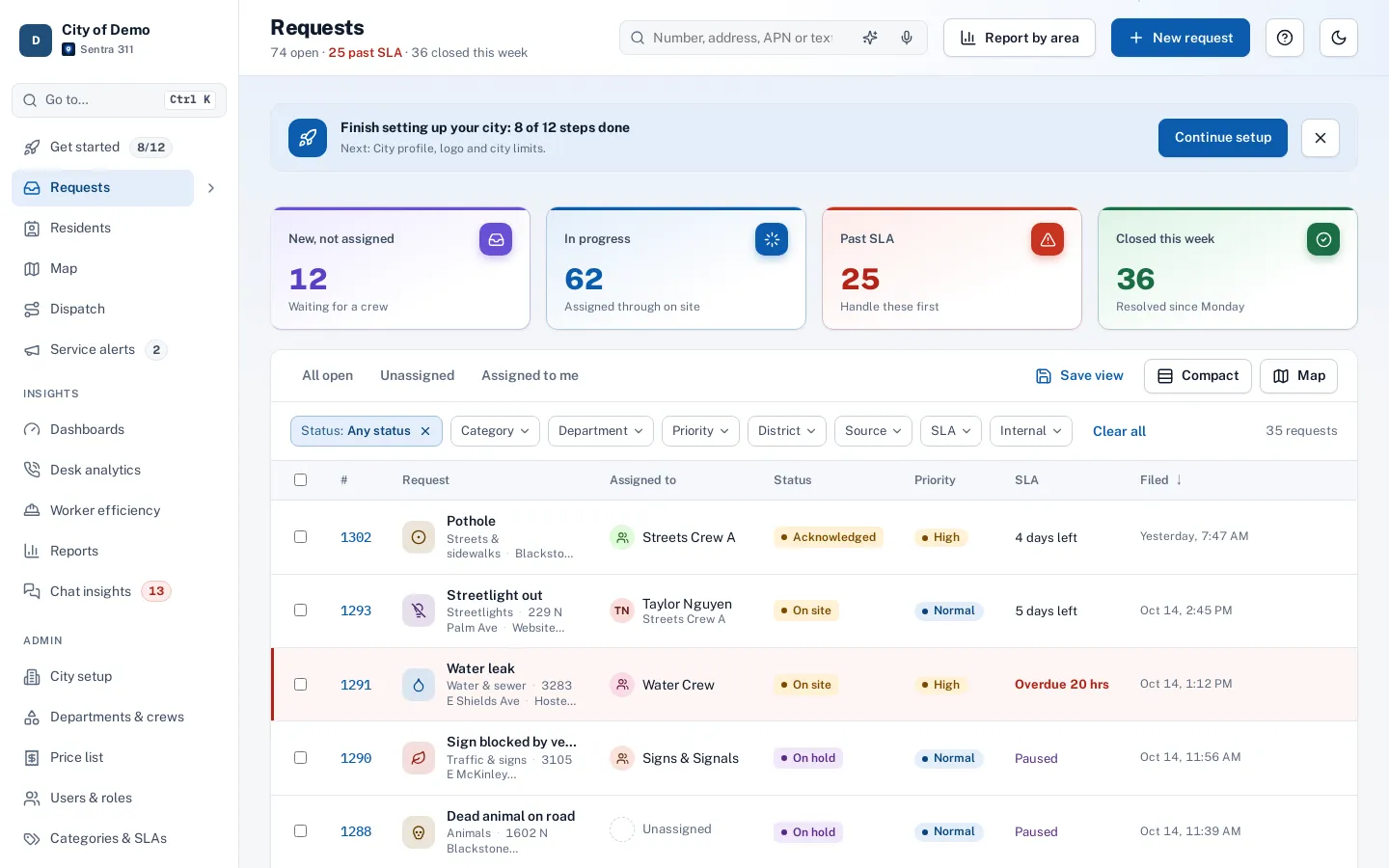
What it does
Phone calls and walk-ins are still a big share of 311 work in small and mid-size cities. Sentra 311’s phone entry page is built for call-takers on a headset: everything fits on one screen at common laptop sizes, in three columns — the problem and the caller on the left, the map in the middle, and the type’s questions and help answers on the right.
Type a few letters of a name, phone number or email and returning callers appear as you type; pick one and their details and language fill in. Click the map and the street address fills in automatically. When you’re done, File request is always visible at the bottom, or press Ctrl/⌘+Enter.
Call-takers juggle a phone, a map and a form, and the caller waits.
How it works
- Call-taker
Find the caller
Search by phone or email; their history is one click away.
- Call-taker
Place the pin
Click the map and the street address fills in, from your city’s address layer first.
- Call-taker
Answer or file
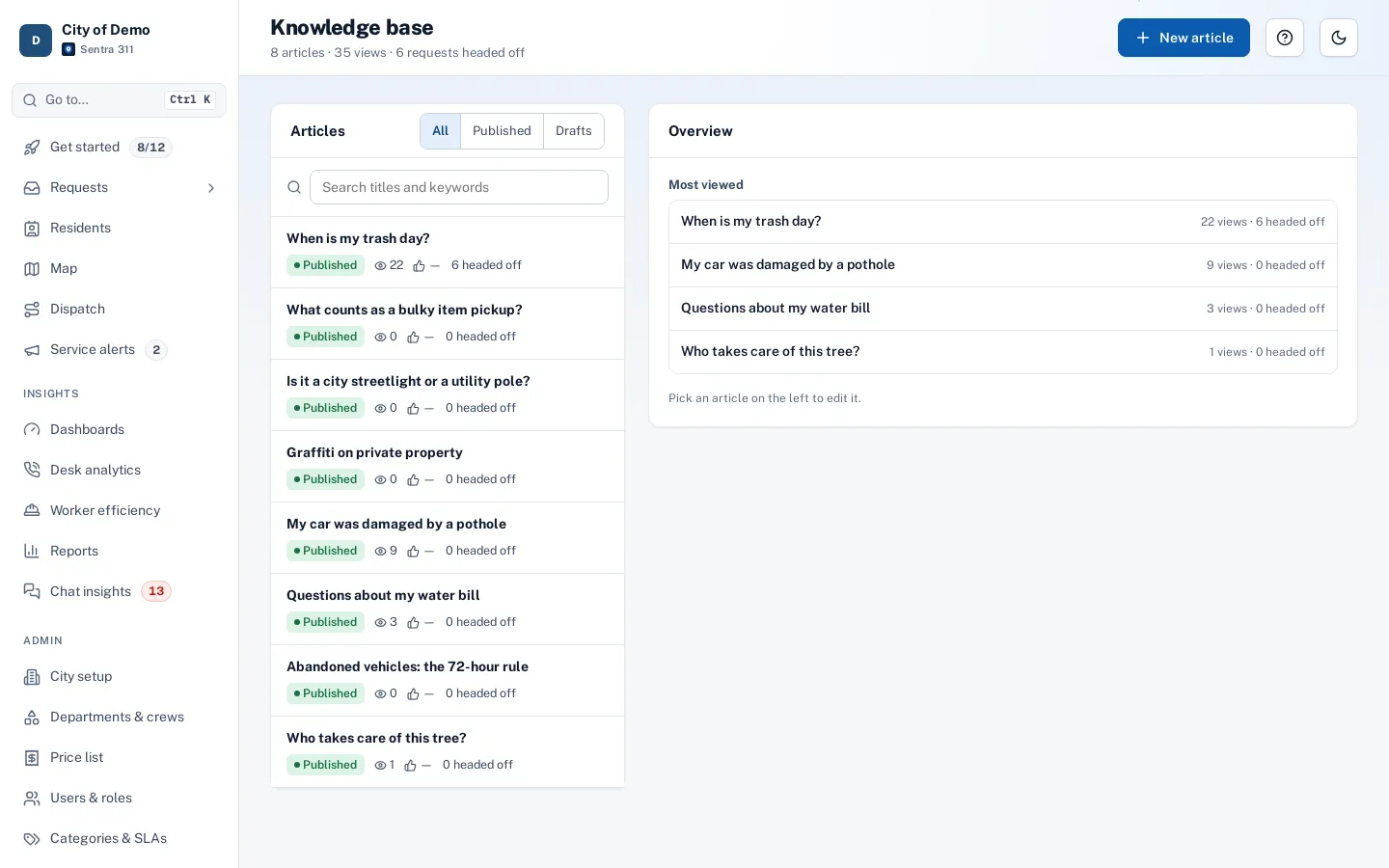
"Answered the caller, no request needed" counts as a request headed off.
Answered the caller, no request needed
Key features
Returning-caller type-ahead
Search residents by name, phone or email; results show their request count and open requests, with a link to their history.
Map click fills the address
Clicking the map looks up the street address from the city’s address layer first.
The type’s questions
The same versioned form residents see, with validation before filing.
Answers for this type
Help articles for the chosen type, with “Answered, no request needed” when the article solves the call.
Emergency banner
Emergency types replace the form with a large 911 message.
Keyboard first
Logical tab order, Ctrl/⌘+Enter to file, and a status bar that says what’s still missing.
A day with it
The caller says there’s a sidewalk lifted by a tree on Elm Street.
- The call-taker types “Patricia” in “Find a returning caller”, picks Patricia Lopez from the list (three requests, one open), and her email, phone and Spanish language preference fill in.
- They choose Streets & sidewalks › Sidewalk damage; the knowledge base panel shows an article about tree roots and sidewalk repairs.
- They click the map near Elm Street and the address fills in.
- They answer the type’s two questions and press Ctrl+Enter.
- The request is filed, routed to Streets and assigned a deadline, and Patricia receives a confirmation email in Spanish.
- If the caller only had a question — when the city repairs sidewalks lifted by trees — the call-taker reads the answer from the article and clicks “Answered, no request needed”, which is counted as a request headed off.
In practice
- A returning caller. Typing three letters of the caller’s name finds her record; her details and language fill in.
- “By the library”. The call-taker clicks the map next to the library and the address fills in.
- An emergency. The caller reports a gas smell; choosing the emergency type shows the 911 message to read.
Built for accuracy under pressure
A status bar at the bottom always says what’s still missing (“Place the pin on the map”) and turns to “Ready to file” when everything required is in place. Address lookups never overwrite what the call-taker typed; the map’s address is offered with a “Use the map address” button instead.
Tips for call-takers
Search for the caller first: a returning caller’s details fill in and their history is one click away, which also helps spot a report they already filed. If they’re reporting something a neighbor already reported, open the existing request and add them as a follower rather than filing a duplicate.
Accessibility, security and privacy
Call-takers can find residents and file requests for any department; resident contact details are shown only to roles allowed to see them. The page meets WCAG 2.1 AA for keyboard and screen-reader use.
Who uses it
Call-takers
Faster calls with fewer callbacks.
Front desk staff
File walk-in reports the same way.
Supervisors
Consistent requests with location, type and answers complete.
Questions cities ask
Does it log who took the call?
Yes. The request records the staff member and the source.
Does it work on smaller screens?
Below about 1,200 pixels wide it switches to two columns, then one on phones.
Can we record that a call needed no request?
Yes. “Answered, no request needed” on a help article counts the call as answered.
Can call-takers file for any department?
Yes. Call-takers can file requests of any type; routing sends each to the right department.
Can call-takers see the caller’s past requests?
Yes. The History link opens the resident’s page with every request they filed or followed.
Is there a keyboard shortcut to file?
Ctrl+Enter on Windows or ⌘+Enter on a Mac.