
Help built into the product.
A staff guide and a worker guide, a "?" on every page, and Ask Sentra 311, an assistant that answers how-to questions from the guides.
What it does
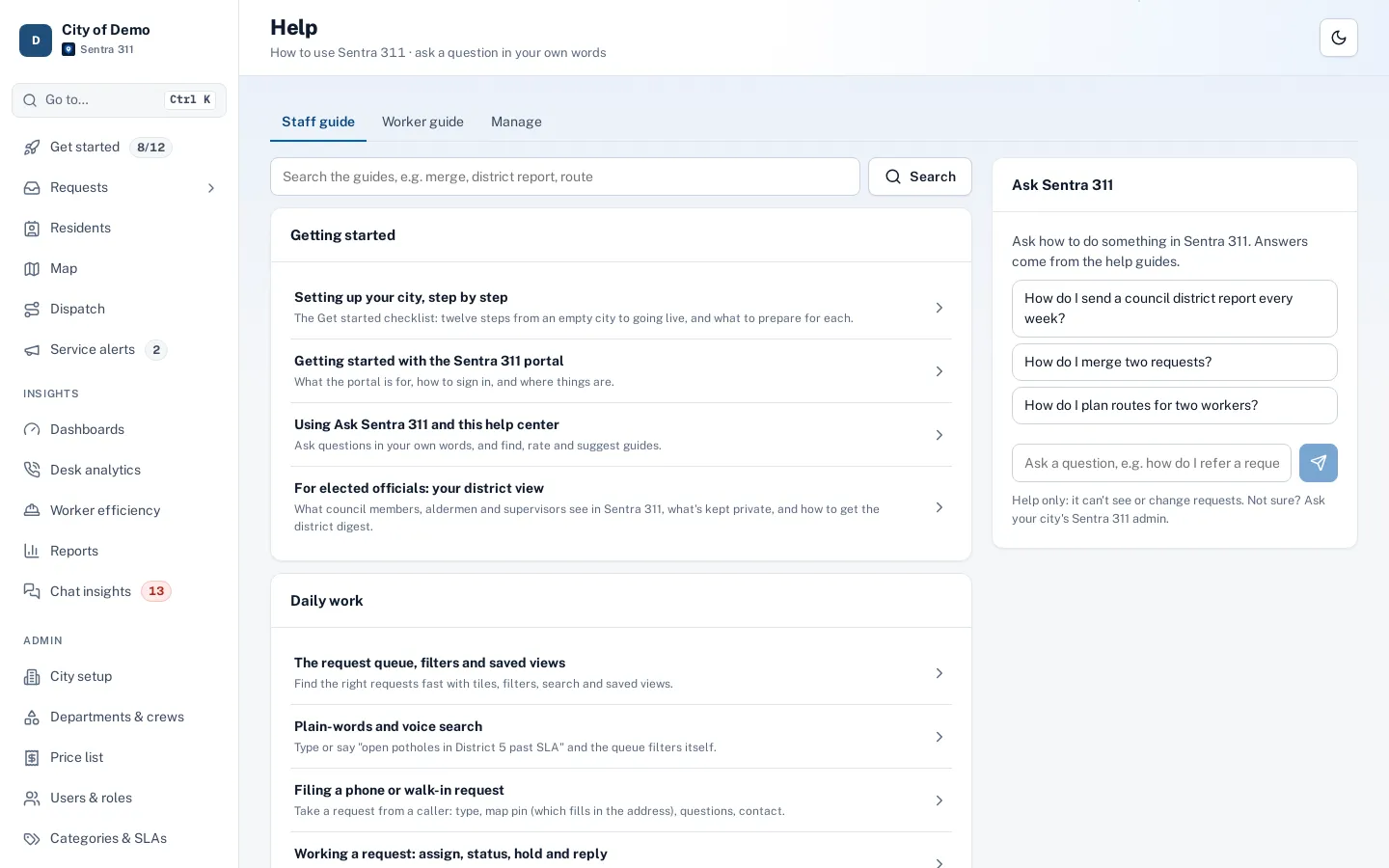
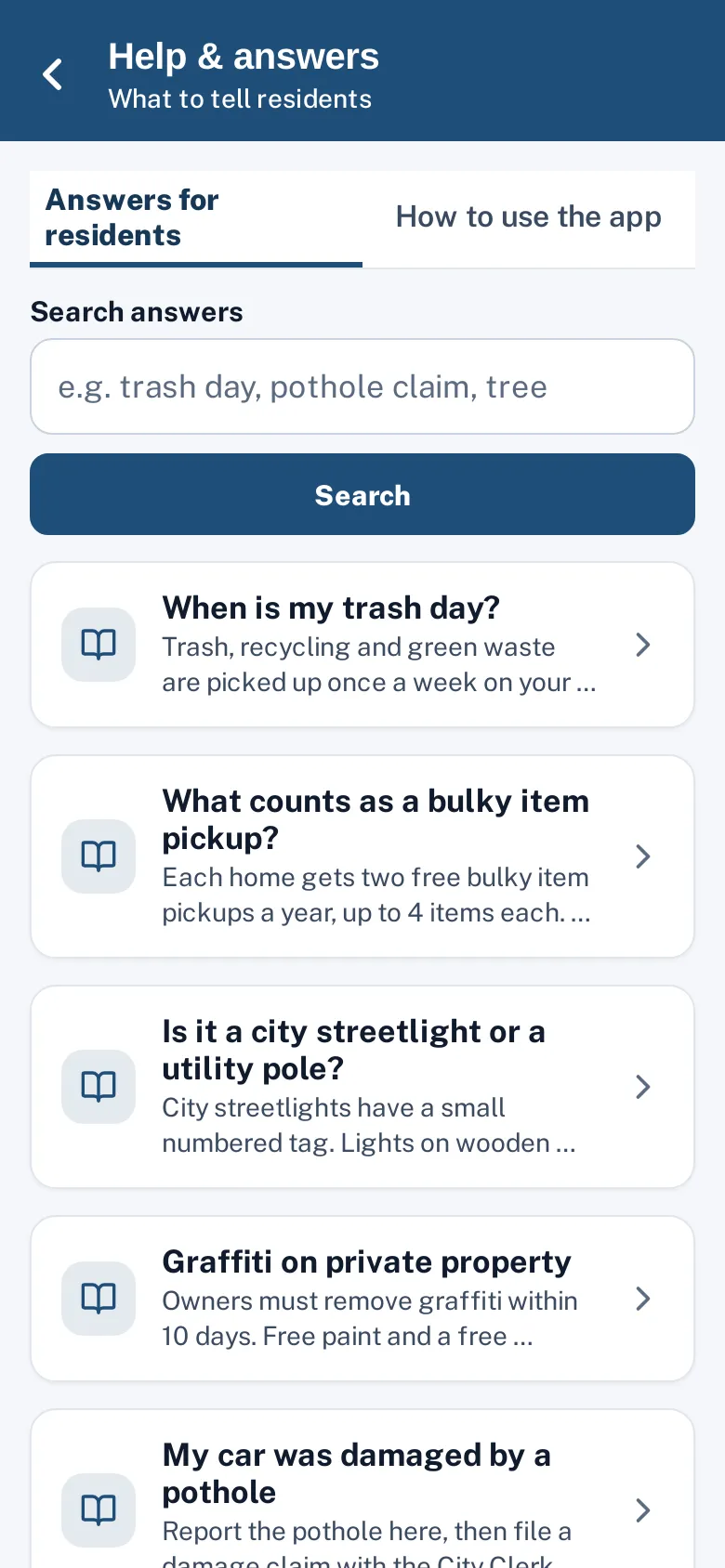
Sentra 311 ships with a built-in help center: 23 guides for city staff and 11 for field workers, filtered by role, covering everything from the request queue to dispatch, reports and admin setup. A “?” button on every portal page opens the guide for that page, and the worker app has a “How to use the app” tab.
Ask Sentra 311 is an assistant that answers how-to questions from those guides and links the articles it used. It explains how to use the system — it can’t read or change requests — and says so when it doesn’t know.
Training fades. People need answers at the moment they’re stuck.
How it works
Open the guide for this page
Every page has a "?".
Ask in plain words
Ask Sentra 311 answers from the guides and links them.
Add your own
Cities can add articles and hide built-in ones.
Key features
Guides by role
Staff and worker guides; admins can preview what workers see.
Ask Sentra 311
Answers from the guides with links, in a fraction of a cent per question.
Your own articles
Add city-specific procedures and hide built-in guides you don’t need.
What people ask
Top and unanswered questions, with “Write an article”.
A day with it
The staff guide covers getting started, the request queue and saved views, plain-words and voice search, filing a phone request, working a request (assign, status, hold, reply), closing and “closed means closed”, referrals and merging, photos and districts, the map, residents, dispatch, dashboards, worker efficiency, reports and scheduled emails, chat insights, the public pages, and every admin area.
- The worker guide covers the app from sign-in to close-out, my route, answering residents and appearance.
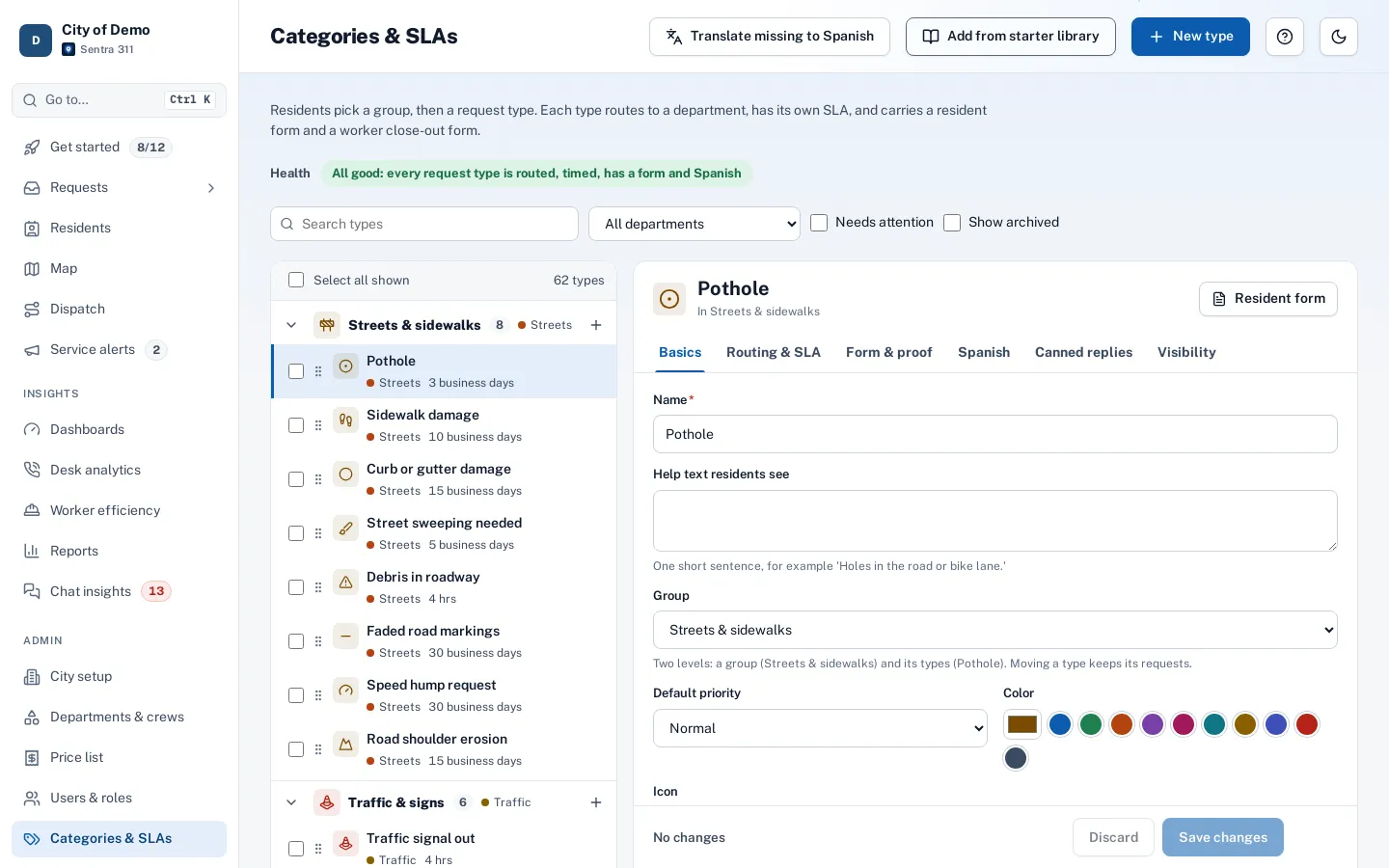
- Every portal page has a “?” button that opens the guide for that page, and each guide links to related guides.
In practice
- “How do I put a job on hold?”. Ask answers in three steps with a link to the guide.
- A city procedure. An admin publishes a guide for after-hours calls.
- Training gaps. “What people ask” shows repeated questions about reports.
Ask Sentra 311
Ask Sentra 311 finds the guides that match the question and the person’s role and answers in a few short steps with links to the articles it used. If no guide covers the question, it says so and suggests contacting the city admin or Sentra 311 support.
City-specific articles
Every city has its own procedures: who covers weekend calls, how to request overtime, the yard gate code, which supervisor approves a hold. Admins can write city articles for staff or for workers, target them to roles, keep them as drafts until ready, and publish them alongside the built-in guides.
Who uses it
New staff
Learn on the job.
City admins
Spot training gaps from the questions people ask.
Questions cities ask
Is this the same as the resident knowledge base?
No. The help center is for people using Sentra 311; the knowledge base answers residents’ questions about city services.
Can we hide built-in guides?
Yes. Admins can hide any built-in guide and add their own.
Who can manage the help center?
City admins.